Invoice Tracker Template
Use template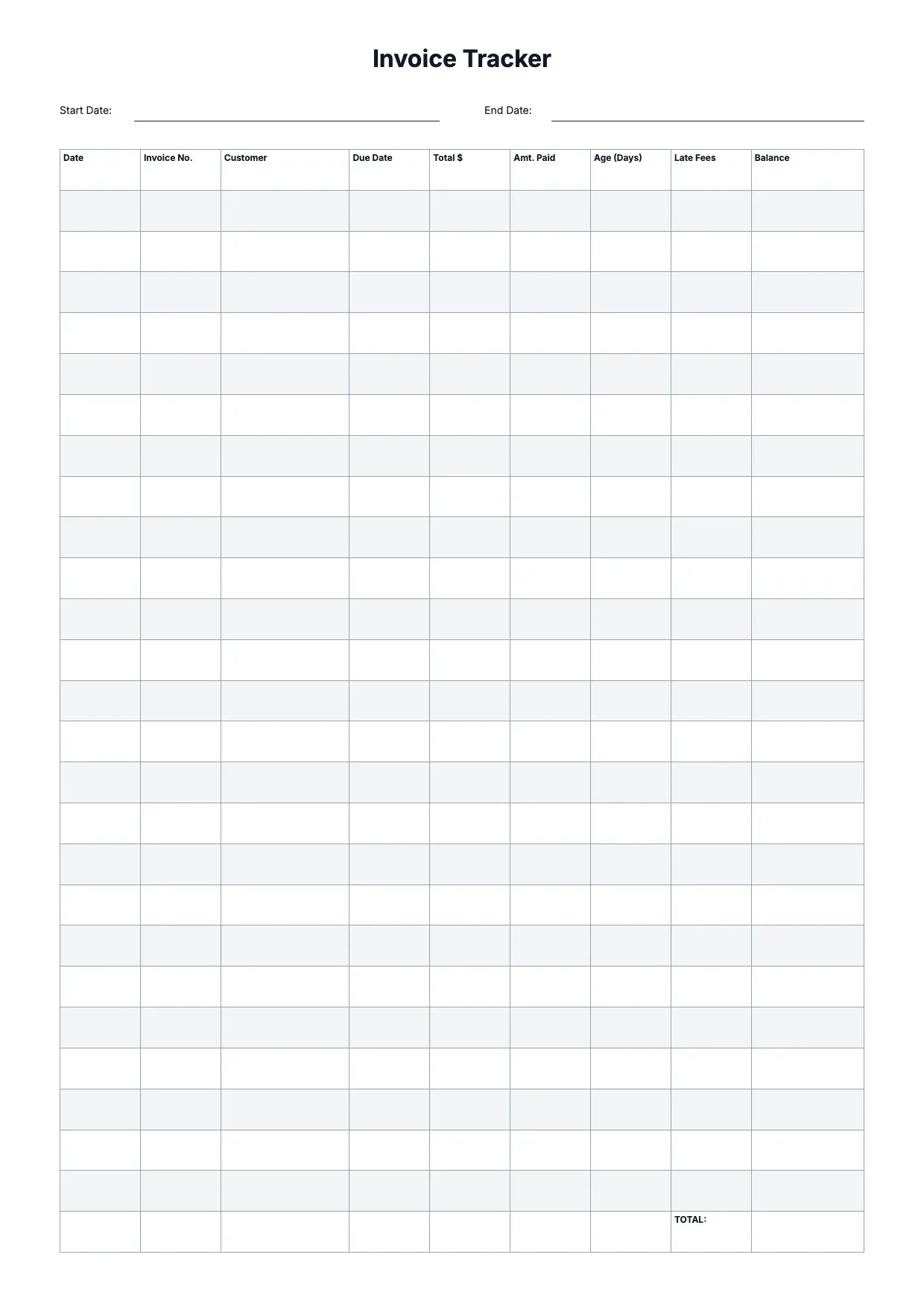
About Invoice Tracker Template
Sending invoices is only half the job; knowing which are paid is the rest. An invoice tracker keeps them all in one view, so you can see at a glance what is outstanding and who needs a nudge.
Our invoice tracker template logs numbers, clients, amounts, dates, and payment status in one place. Set it up in the OnlyDoc editor so your billing stays organized and nothing slips past the due date.
Frequently asked questions
What is an invoice tracker template?
An invoice tracker is a sheet that tracks invoices, their status, and payments in one place. The template turns that into a reusable format with the headings and prompts already in place, which saves effort and keeps the wording consistent. You personalize the details and download the finished document.
When should you use an invoice tracker template?
Use it to keep on top of which invoices are sent, due, and paid. Whether it is a one-off need or something you handle regularly, the template fits both. You open it, update the details for the occasion, and download a clean, finished version whenever you need it.
What should be included in an invoice tracker template?
At minimum it covers invoice numbers, clients, amounts, dates, due dates, and payment status. Each part is laid out for you, so you focus on the content rather than the formatting, and the finished invoice tracker stays clear and complete.
Who can use an invoice tracker template?
Freelancers, small businesses, and bookkeepers benefit most from it. Whether you create one occasionally or often, the template saves time and keeps the output consistent. Because it is easy to adapt, people with no experience can produce a polished invoice tracker just as confidently as regular users.
What does an invoice tracker do?
An invoice tracker keeps every invoice in one view, showing what you have billed, what is due, and what is paid. It saves you from chasing details across emails and files. Our template logs numbers, amounts, dates, and status, so you always know your outstanding balance and which clients need a reminder.
What should an invoice tracker include?
It should record each invoice number, the client, the amount, the date sent, the due date, and whether it is paid, pending, or overdue. A running total helps. Our template organizes these columns in the OnlyDoc editor, so your billing stays clear and you can spot late payments before they become a problem.
What formats can I download an invoice tracker template in?
Once you have finished editing in the OnlyDoc editor, you can export your invoice tracker as PDF, DOC, XLSX, PPTX, JPG, or PNG. That gives you a file to email, a printable copy, and an editable version you can update later if the details change.