Postcard Template
Use template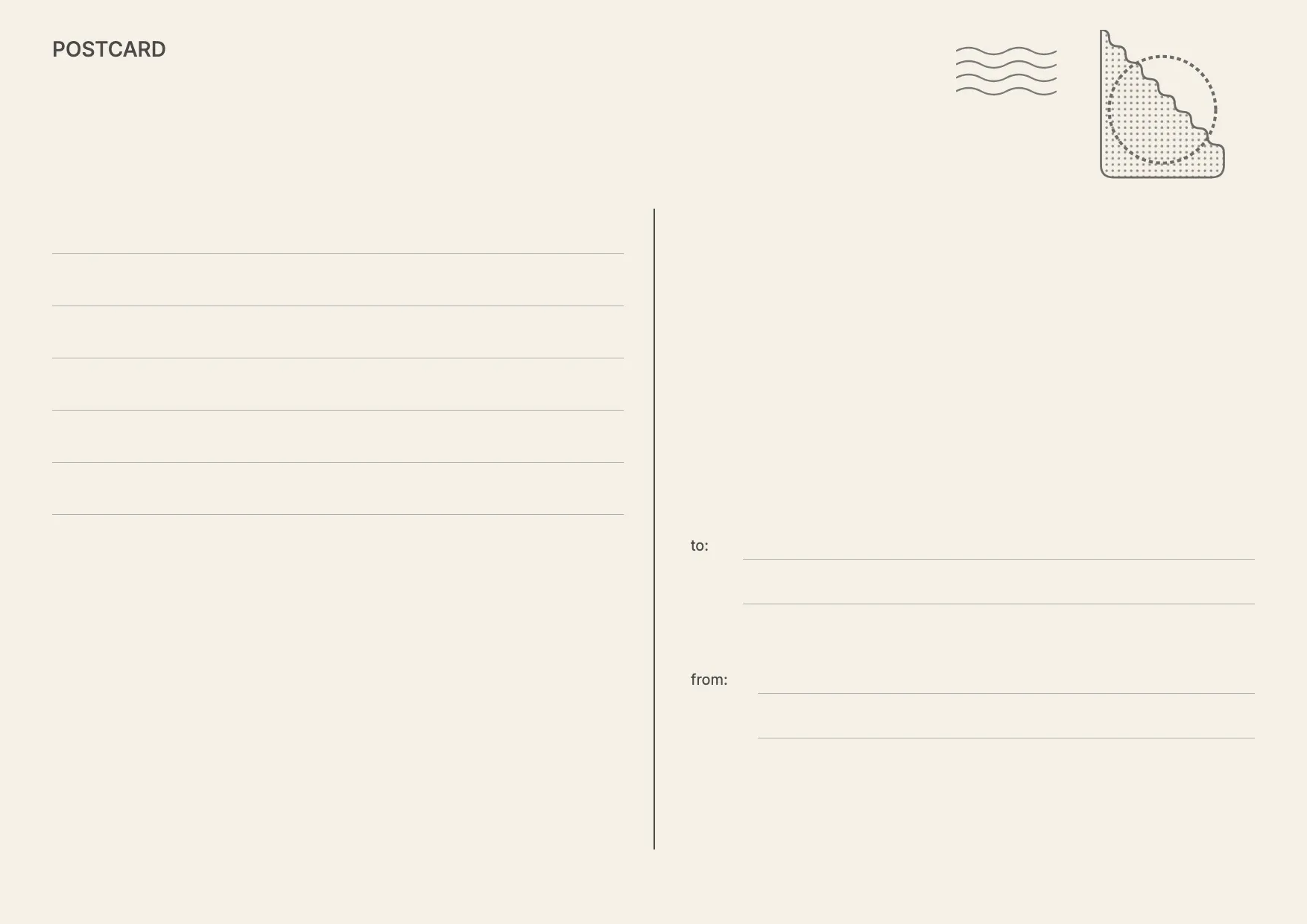
About Postcard Template
Postcards work for marketing promotions, event invites, and personal greetings, and a clean layout makes the message land. A postcard template gives you a front image panel and a back split between a message area and an address block, so your design looks finished from the start.
Our postcard template covers the front image space, a message area, an address panel, and a postage marker, with room for your branding or photos. Fill it in through the OnlyDoc editor and download it ready to print or send.
Frequently asked questions
What is a postcard template?
A postcard template is a ready-made layout with the front image panel and the back message and address sections already positioned. It saves you from building a design from scratch and keeps proportions correct for printing. You add your own image and text, then download the finished postcard.
When should you use a postcard template?
Use it whenever you need a quick, polished mailer, whether that's a business promotion, a save-the-date, a holiday greeting, or a thank-you note. The layout works for one-off mailings and repeat campaigns alike, so you can update the details each time and download a fresh version.
What should be included in a postcard template?
At minimum it needs a front image or design area, a message section, an address panel with lines for the recipient, and a marker for postage. Each part is already placed, so you focus on the wording and imagery rather than the layout, and the finished postcard prints cleanly.
Who can use a postcard template?
Small businesses, marketers, event planners, and anyone sending personal greetings can use it. Because the structure is already built, people with no design background can produce a professional-looking postcard as easily as someone who designs mailers regularly, without adjusting margins or spacing themselves.
What size should a postcard be?
Standard postcards are typically 4 by 6 inches or 5 by 7 inches, though sizes vary by mailing service. Our template follows a common ratio, so your design fits standard printing and mailing requirements. Check your printer or postal service for exact size limits before you finalize.
Can a postcard template be used for digital sharing?
Yes. Beyond printing, you can export your postcard as JPG or PNG and share it directly through email or messaging. This works well for digital invitations or online promotions where a printed piece isn't needed, while keeping the same design you'd use for a mailed version.
What formats can I download a postcard template in?
Once you have finished editing in the OnlyDoc editor, you can export your postcard as PDF, DOC, XLSX, PPTX, JPG, or PNG. That gives you a print-ready file, a shareable image, and an editable version you can update later if the design or message changes.