Phone List Template
Use template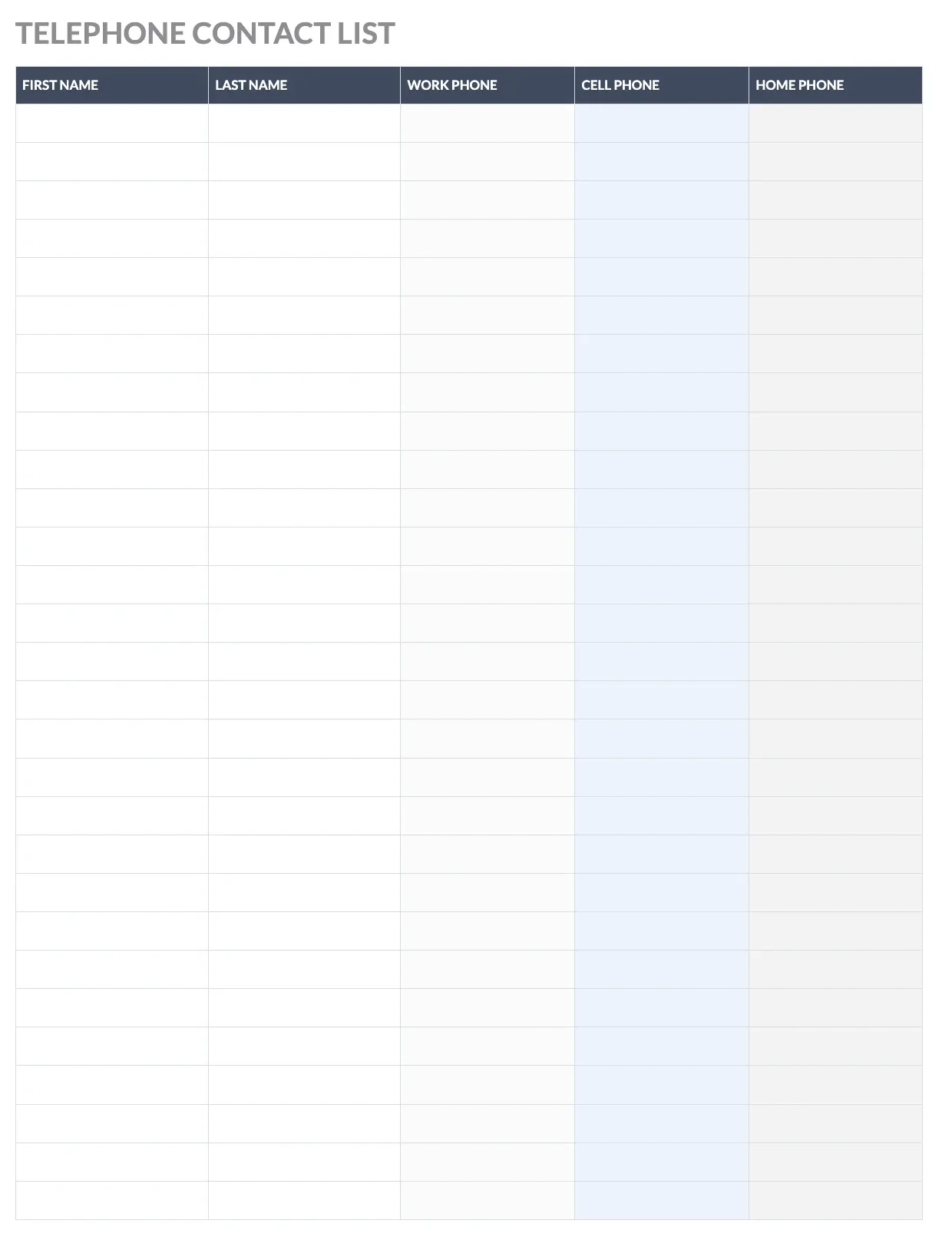
About Phone List Template
Keeping everyone's contact information in one place saves time when you need to reach someone fast. A phone list gathers names, numbers, and roles into a single reference sheet, useful for offices, classrooms, clubs, or households sharing emergency contacts.
Our phone list template includes columns for name, department or relationship, phone number, and notes, with space for a title and logo. Fill it in through the OnlyDoc editor and download it whenever your contacts change.
Frequently asked questions
What is a phone list template?
A phone list is a directory of names and phone numbers kept in one document for quick reference. The template turns that into a reusable layout with columns already set up, so you avoid building a table from scratch. You add your contacts and download the finished sheet.
When should you use a phone list template?
Use it whenever a group needs shared contact information, such as a team roster, school class, or family emergency list. Whether you update it once a year or every month, the template adapts easily. You fill in the current names and numbers, then download a clean version to share.
What should be included in a phone list template?
At minimum it covers names, phone numbers, and a way to identify each person's role or relationship, such as department or title. Space for notes or extensions is useful too. Each column is laid out for you, so the finished phone list stays organized and easy to scan.
Who can use a phone list template?
Office managers, teachers, coaches, and families all benefit from having contacts organized in one place. Whether you manage a large team or a small group, the template saves time and keeps formatting consistent. Because it is simple to edit, anyone can produce a clear phone list without prior experience.
What should a phone list include for emergency contacts?
An emergency phone list should include full names, primary and secondary numbers, and each person's relationship or role, such as parent, guardian, or supervisor. Adding a note field helps flag special instructions. Our template covers these fields so the sheet stays clear when someone needs to reach a contact quickly.
How do I keep a phone list up to date?
Review your phone list regularly and update it whenever numbers or roles change. Because our template is easy to edit in the OnlyDoc editor, you can revise entries in minutes and download a fresh copy. Keeping one master version prevents outdated numbers from circulating among your group.
What formats can I download a phone list template in?
Once you have finished editing in the OnlyDoc editor, you can export your phone list as PDF, DOC, XLSX, PPTX, JPG, or PNG. That gives you a printable copy, a shareable file, and an editable version you can update whenever contact details change.