Punch List Template
Use template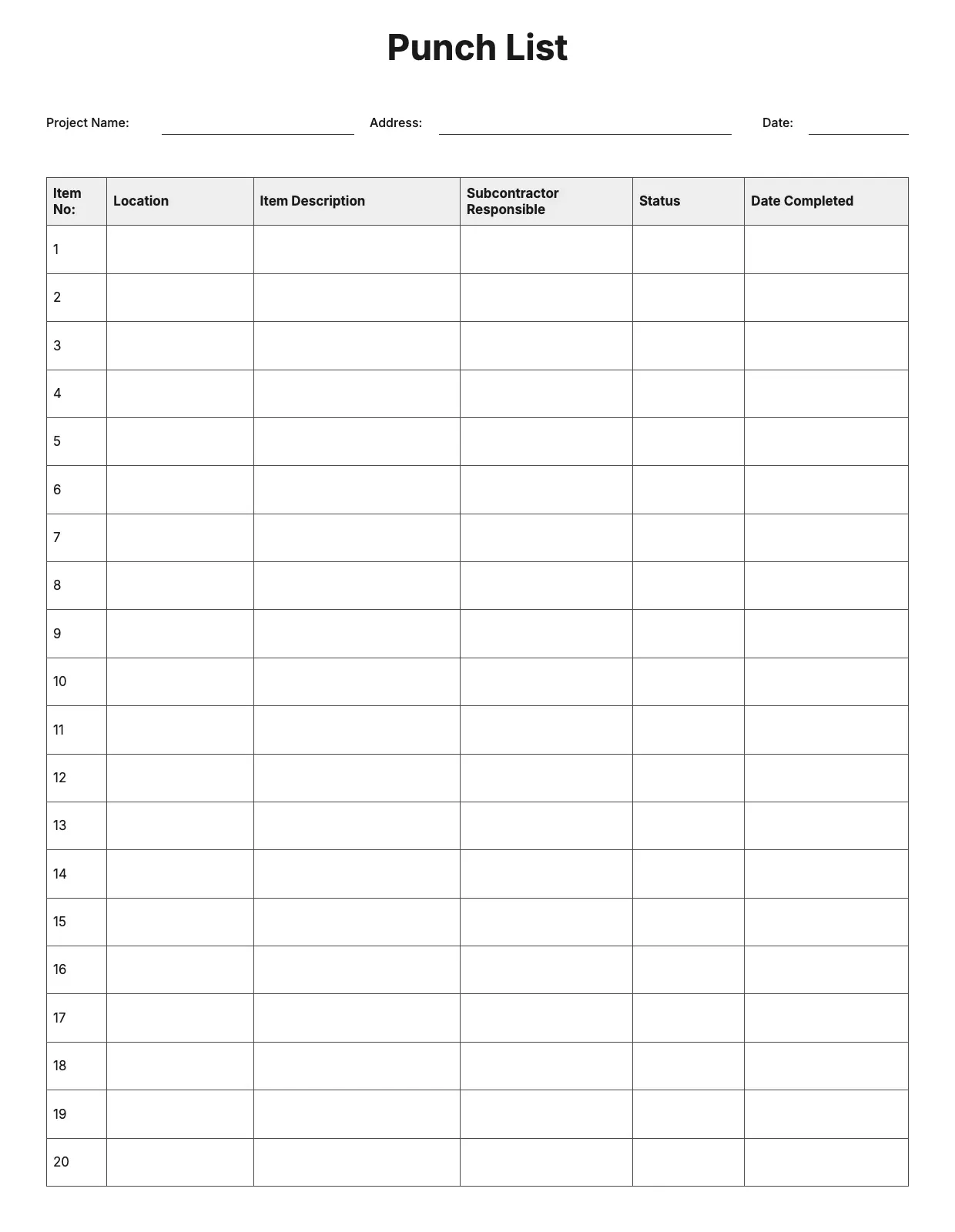
About Punch List Template
A punch list tracks the small tasks left before a project is truly finished, from touch-up paint to a sticking door. Contractors, project managers, and property owners use it to make sure nothing gets missed before final sign-off.
Our punch list template covers the item, location, priority, assigned party, and status, with space for notes and photos. Fill it in through the OnlyDoc editor and reuse it for every project you close out.
Frequently asked questions
What is a punch list template?
A punch list is a document that tracks unfinished or incorrect items before a project is considered complete. The template turns that into a reusable format with the headings and prompts already in place, which saves effort and keeps every job recorded the same way. You fill in the details and download the finished document.
When should you use a punch list template?
Use it near the end of a construction or renovation project, when small fixes remain before final approval. Whether you manage a single job or several at once, the template fits both. You open it, list the outstanding items, and download a clean, finished version whenever you need it.
What should be included in a punch list template?
At minimum it covers the project name, the item description, its location, priority, who is responsible, and the current status. Each part is laid out for you, so you focus on tracking the work rather than the formatting, and the finished punch list stays clear and complete.
Who can use a punch list template?
Contractors, project managers, architects, and property owners benefit most from it. Whether you create one occasionally or on every project, the template saves time and keeps the output consistent. Because it is easy to adapt, people with no experience can produce a clear punch list just as confidently as seasoned professionals.
What should a punch list include?
A punch list should include the item needing attention, its exact location, who is responsible for fixing it, the priority level, and the status once resolved. Photos help clarify each entry. Our template covers each line, so contractors and clients agree on what remains before a project is signed off.
How is a punch list different from a to-do list?
A punch list is specific to the final stage of a project, listing defects or incomplete work that must be resolved before handover. A to-do list is broader and less formal. Our template gives punch list items structure, with location and priority fields, so nothing gets overlooked at closeout.
What formats can I download a punch list template in?
Once you have finished editing in the OnlyDoc editor, you can export your punch list as PDF, DOC, XLSX, PPTX, JPG, or PNG. That gives you a file to share with a contractor, a printable copy for a walkthrough, and an editable version you can update as items are resolved.