Brochure Template
Use template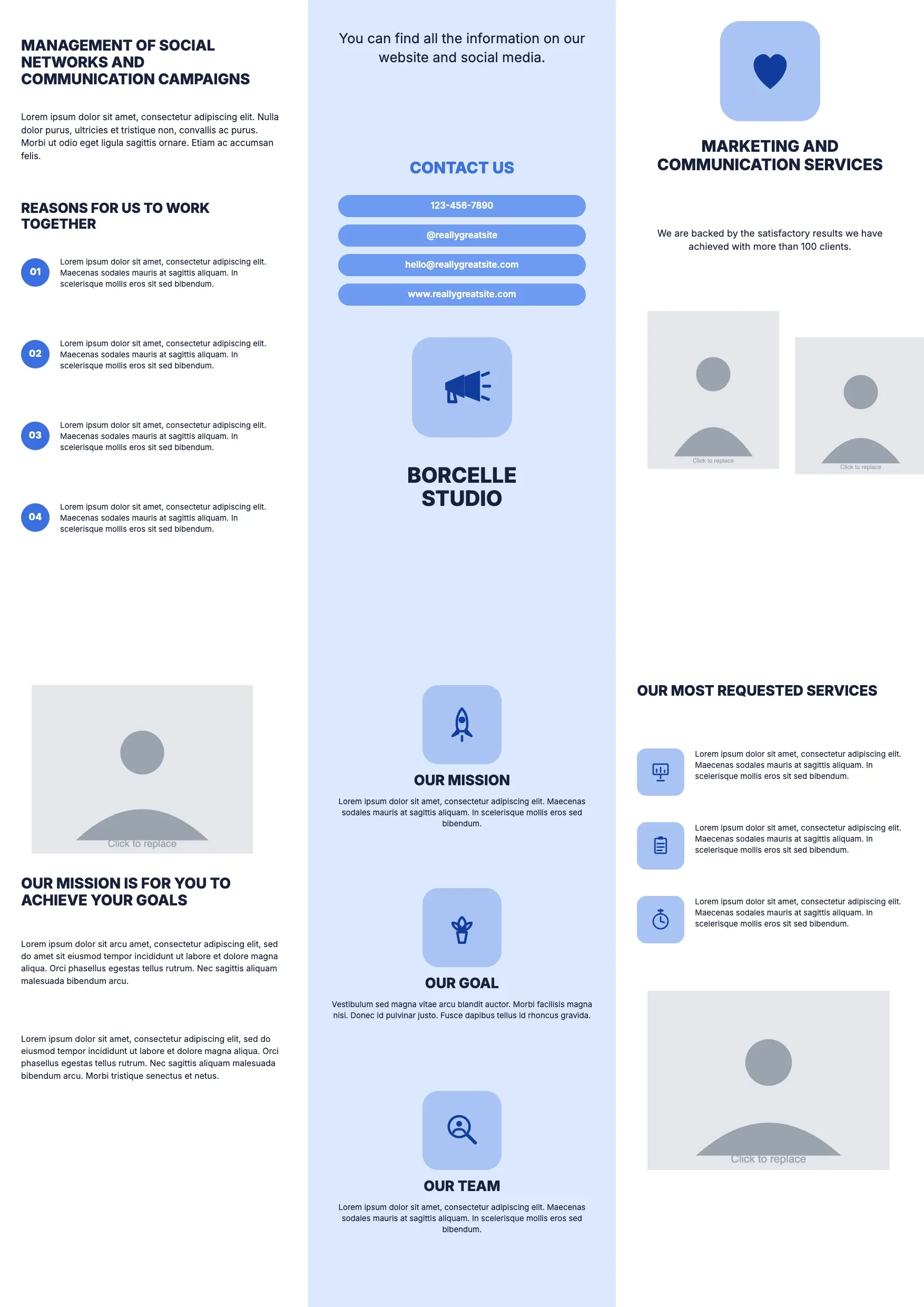
About Brochure Template
Businesses and organizers use brochures to introduce a product, an event, or a service in a compact, visual format. A well-organized brochure guides a reader through key points quickly, so the layout matters as much as the words.
Our brochure template covers a headline, image panels, feature descriptions, and contact details, with space for your branding. Fill it in through the OnlyDoc editor and download it for print or digital sharing.
Frequently asked questions
What is a brochure template?
A brochure is a folded or paneled document that introduces a product, service, or event. The template turns that into a ready-made layout with headings, image placeholders, and prompts already set. You personalize the content, adjust the images, and download a finished brochure without designing the layout from scratch.
When should you use a brochure template?
Use it whenever you need to present information visually, such as promoting a business, announcing an event, or introducing a new product. Whether it is a one-time project or a recurring marketing piece, the template fits both. You update the content and download a polished result each time.
What should be included in a brochure template?
At minimum it covers a headline, an introduction, image panels, feature or service descriptions, and contact details. Each section is laid out for you, so you focus on the content and images rather than spacing and alignment, and the finished brochure stays organized and easy to read.
Who can use a brochure template?
Small business owners, marketers, event organizers, and nonprofits benefit most from it. Whether you design brochures often or only occasionally, the template saves time and keeps the layout consistent. Because it is easy to adapt, anyone can produce a professional brochure without prior design experience.
How many panels should a brochure have?
Most brochures use three or six panels, depending on whether they are tri-fold or bi-fold. Each panel should carry one clear idea, such as an introduction, key features, or contact information. Our template follows this structure, so the content flows logically as a reader opens each panel.
Should a brochure include images?
Yes. Images help explain a product or service faster than text alone and make the page visually appealing. Balance the images with concise text so the brochure does not feel cluttered. Our template includes image panels sized for clean placement, so photos or graphics fit without distorting the layout.
What formats can I download a brochure template in?
Once you have finished editing in the OnlyDoc editor, you can export your brochure as PDF, DOC, XLSX, PPTX, JPG, or PNG. That gives you a file ready for printing, a shareable digital copy, and an editable version you can update later as your content changes.