Wine Label Template
Use template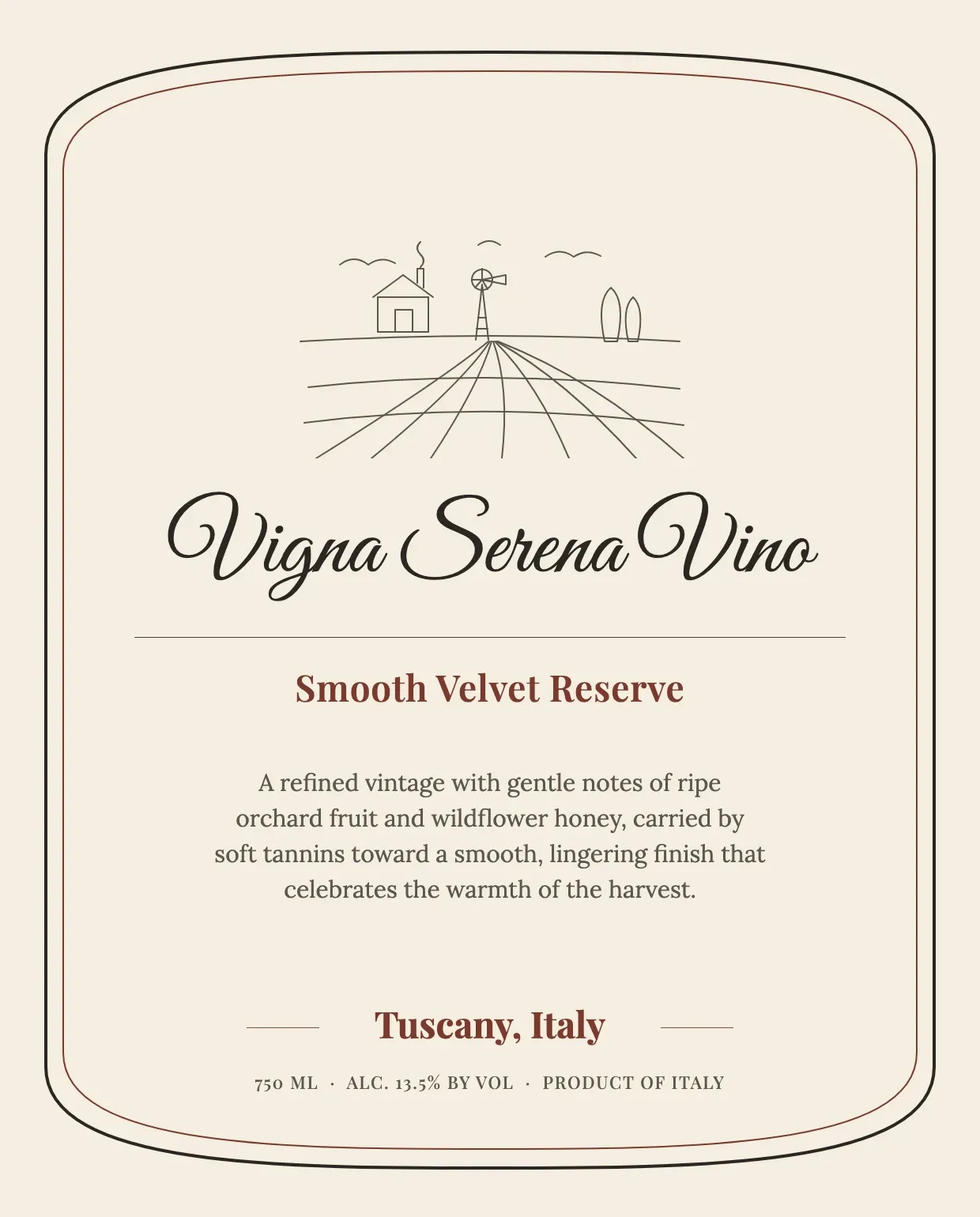
About Wine Label Template
A wine label tells the bottle's story before anyone takes a sip, giving the winery name, vintage, region, and alcohol content a clean, readable home. Winemakers, hobbyists, and event hosts all rely on a well-organized label to make a bottle look finished and market-ready.
Our wine label template covers the winery name, varietal, vintage, region, and alcohol content, with space for artwork and branding. Fill it in through the OnlyDoc editor and download a label ready for printing on your bottles.
Frequently asked questions
What is a wine label template?
A wine label is the printed design applied to a wine bottle showing its name, vintage, and other details. The template turns that into a reusable layout with the placeholders already positioned, which saves effort and keeps the design consistent. You personalize the details and download the finished label.
When should you use a wine label template?
Use it whenever you are bottling wine, whether for a commercial release, a home batch, or a wedding favor. Whether it is a one-off need or something you handle every harvest, the template fits both. You open it, update the details, and download a finished label ready for print.
What should be included in a wine label template?
At minimum it covers the winery name, varietal, vintage, region, alcohol content, and volume. Each part is laid out for you, so you focus on the artwork and wording rather than the formatting, and the finished wine label stays clear, legible, and ready for shelves.
Who can use a wine label template?
Winemakers, small vineyards, hobbyist brewers, and event hosts benefit most from it. Whether you design labels occasionally or for every batch, the template saves time and keeps the output consistent. Because it is easy to adapt, people with no design experience can produce a polished wine label just as confidently as regular users.
What should a wine label include?
A wine label should show the wine name, vintage, varietal, region, alcohol content, and volume, along with any required warnings. Clear, accurate details help buyers and meet expectations at retail. Our template covers each line, so you present a bottle that looks finished and reads correctly at a glance.
Can a wine label template be used for gifts or events?
Yes. Weddings, anniversaries, and private tastings often use custom labels to personalize bottles for guests. You can swap in names, dates, or a short message while keeping the layout intact. Our template lets you adjust the wording in the OnlyDoc editor, so each bottle feels tailored to the occasion.
What formats can I download a wine label template in?
Once you have finished editing in the OnlyDoc editor, you can export your wine label as PDF, DOC, XLSX, PPTX, JPG, or PNG. That gives you a print-ready file, a shareable copy, and an editable version you can update later if the vintage or details change.