Phone Tree Template
Use template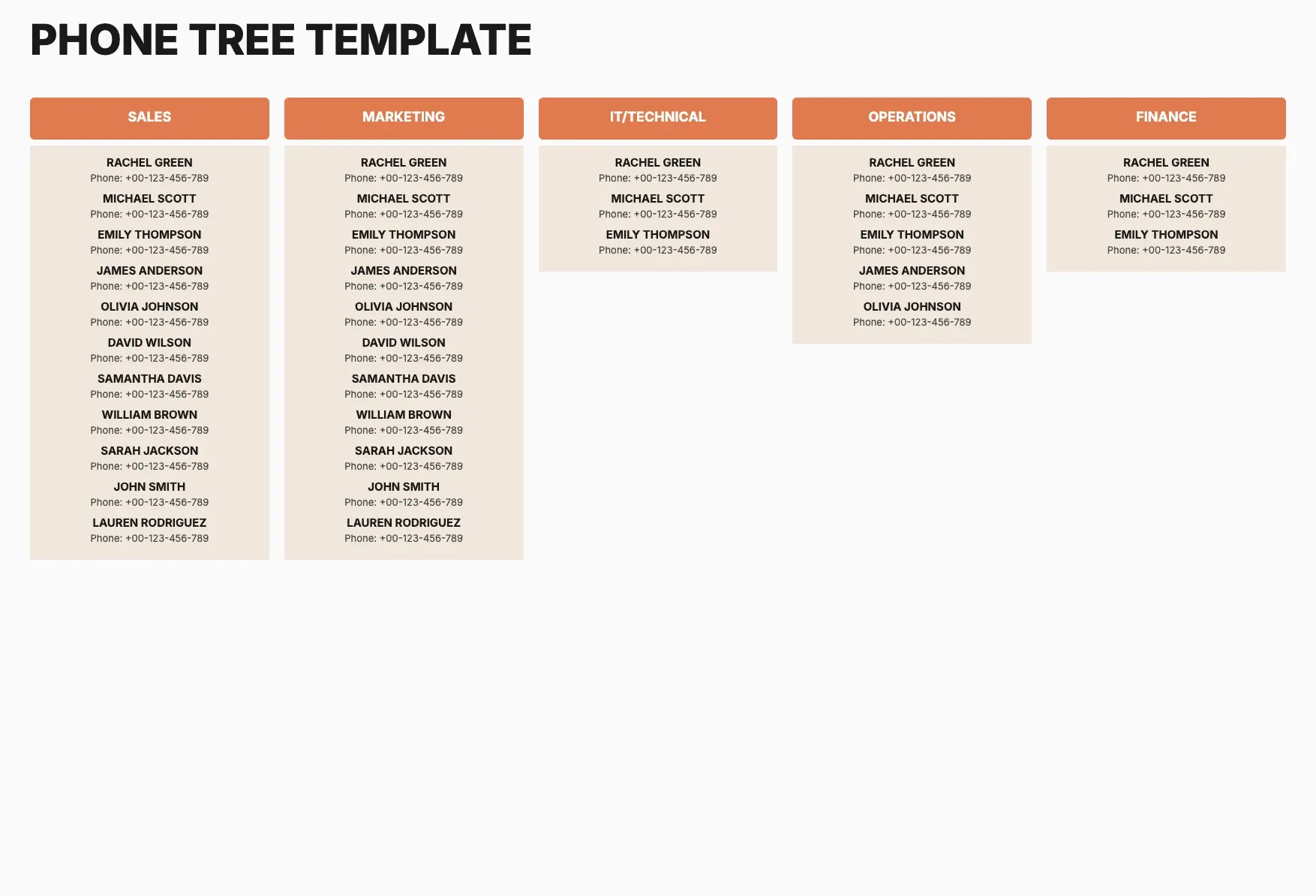
About Phone Tree Template
A phone tree keeps a group informed fast when news needs to travel without one person calling everyone. Schools, churches, and offices rely on a clear chain so a message reaches every contact quickly and reliably.
Our phone tree template lists contacts, roles, call order, and backups, with space for notes and branding. Fill it in through the OnlyDoc editor and keep it ready for the next emergency or announcement.
Frequently asked questions
What is a phone tree template?
A phone tree is a structured contact list that shows who calls whom during an emergency or announcement. The template turns that structure into a ready format with names, roles, and call order already laid out, so you only add your group's details before downloading the finished chart.
When should you use a phone tree template?
Use it whenever a group needs a fast, reliable way to spread news, such as a school closing or a workplace emergency. Set it up once, then reuse it whenever the situation calls for it, updating names or numbers as your group changes.
What should be included in a phone tree template?
At minimum it covers a coordinator, each caller's name and number, who they contact next, and a backup contact in case someone is unreachable. Each row is laid out for you, so the chain of calls stays easy to follow and complete.
Who can use a phone tree template?
Schools, churches, sports teams, and workplaces all benefit from a ready phone tree. Whether you set one up once a year or update it regularly, the template saves time and keeps the layout consistent, so anyone in the group can follow it during an emergency.
How many people should each caller contact?
Most phone trees limit each caller to two or three contacts so the message spreads quickly without overloading anyone. Our template lets you set the branching structure yourself, adjusting the number of contacts per caller to match the size of your group.
Should a phone tree include backup contacts?
Yes. Backup contacts prevent a break in the chain if someone does not answer. Our template includes a backup field for each caller, so the message keeps moving even when a primary contact is unreachable, and everyone still receives the update on time.
What formats can I download a phone tree template in?
Once you have finished editing in the OnlyDoc editor, you can export your phone tree as PDF, DOC, XLSX, PPTX, JPG, or PNG. That gives you a printable copy, a file to share by email, and an editable version you can update as contacts change.