One-Pager Template
Use template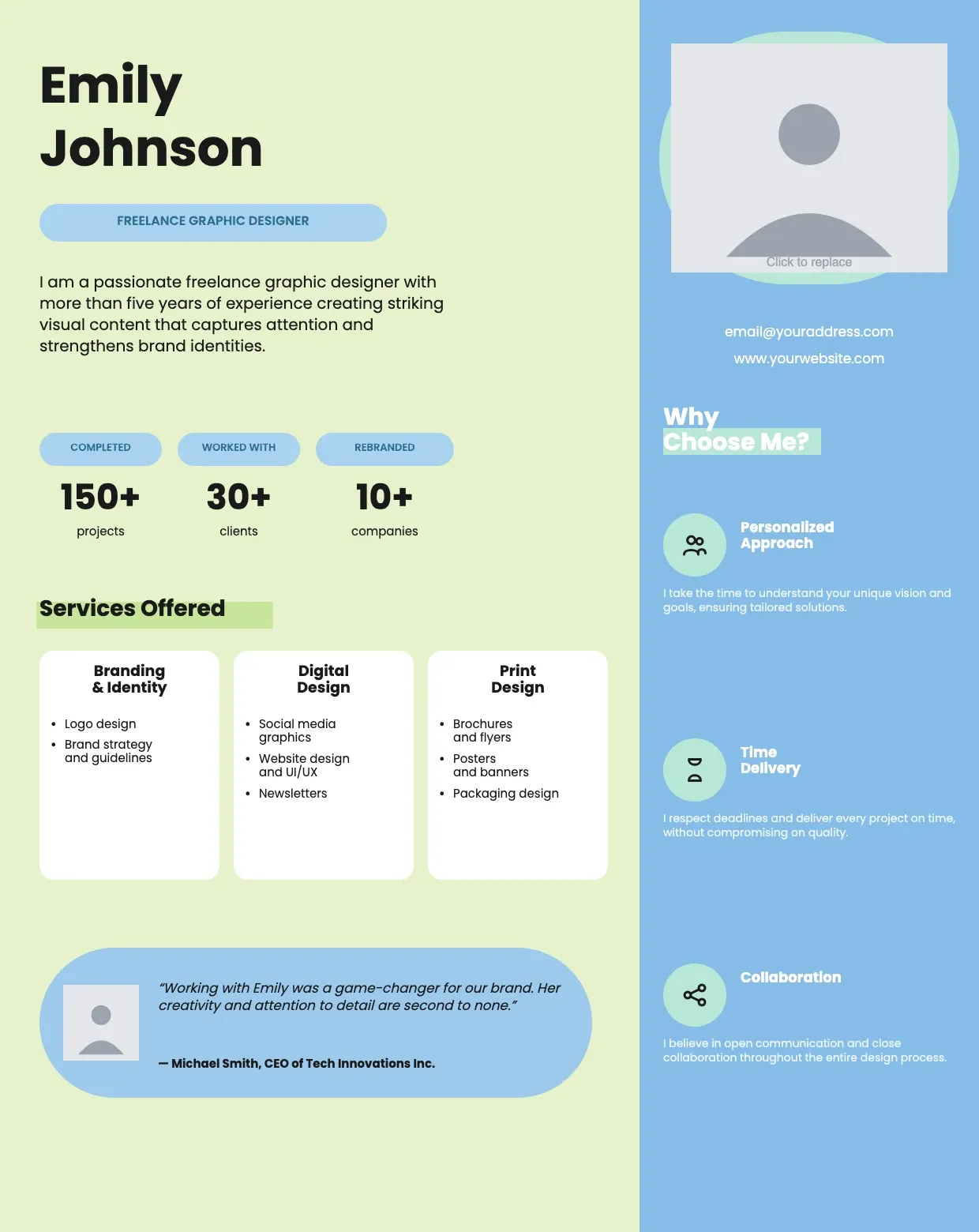
About One-Pager Template
A one-pager condenses a plan, pitch, or update into a single page a reader can scan in minutes. Teams use it to summarize projects, proposals, or company overviews without forcing anyone through a long document.
Our one-pager template covers a headline, summary, key points, visuals, and contact details, with space for your branding. Fill it in through the OnlyDoc editor and download a clean, shareable version whenever you need one.
Frequently asked questions
What is a one-pager template?
A one-pager is a single page that summarizes a plan, project, or pitch. The template turns that into a reusable format with the headings and prompts already in place, which saves effort and keeps the layout consistent. You personalize the details and download the finished document.
When should you use a one-pager template?
Use it whenever you need to explain something quickly, such as a project update, a pitch, or a company overview. Whether it is a one-off need or something you produce regularly, the template fits both. You fill in the details and download a clean version whenever you need it.
What should be included in a one-pager template?
At minimum it covers a headline, summary, key points, supporting visuals, and contact details. Each part is laid out for you, so you focus on the message rather than the formatting, and the finished one-pager stays clear, organized, and easy to scan.
Who can use a one-pager template?
Founders, marketers, project managers, and students benefit most from it. Whether you create one occasionally or often, the template saves time and keeps the output consistent. Because it is easy to adapt, people with no design experience can produce a polished one-pager just as confidently as regular users.
How long should a one-pager be?
A one-pager should stay on a single page, which is the point of the format. Keep sentences short and use bullet points where possible. Our template is sized and structured for that limit, so you naturally trim content down to what actually matters for the reader.
What makes a one-pager effective?
An effective one-pager leads with the main point, uses clear headings, and includes only the details a reader needs to act or decide. Visuals should support the text, not clutter it. Our layout keeps sections balanced, so your message stays easy to follow from top to bottom.
What formats can I download a one-pager template in?
Once you have finished editing in the OnlyDoc editor, you can export your one-pager as PDF, DOC, XLSX, PPTX, JPG, or PNG. That gives you a file to email, a printable copy, and an editable version you can update later if the details change.