Project Status Report Template
Use template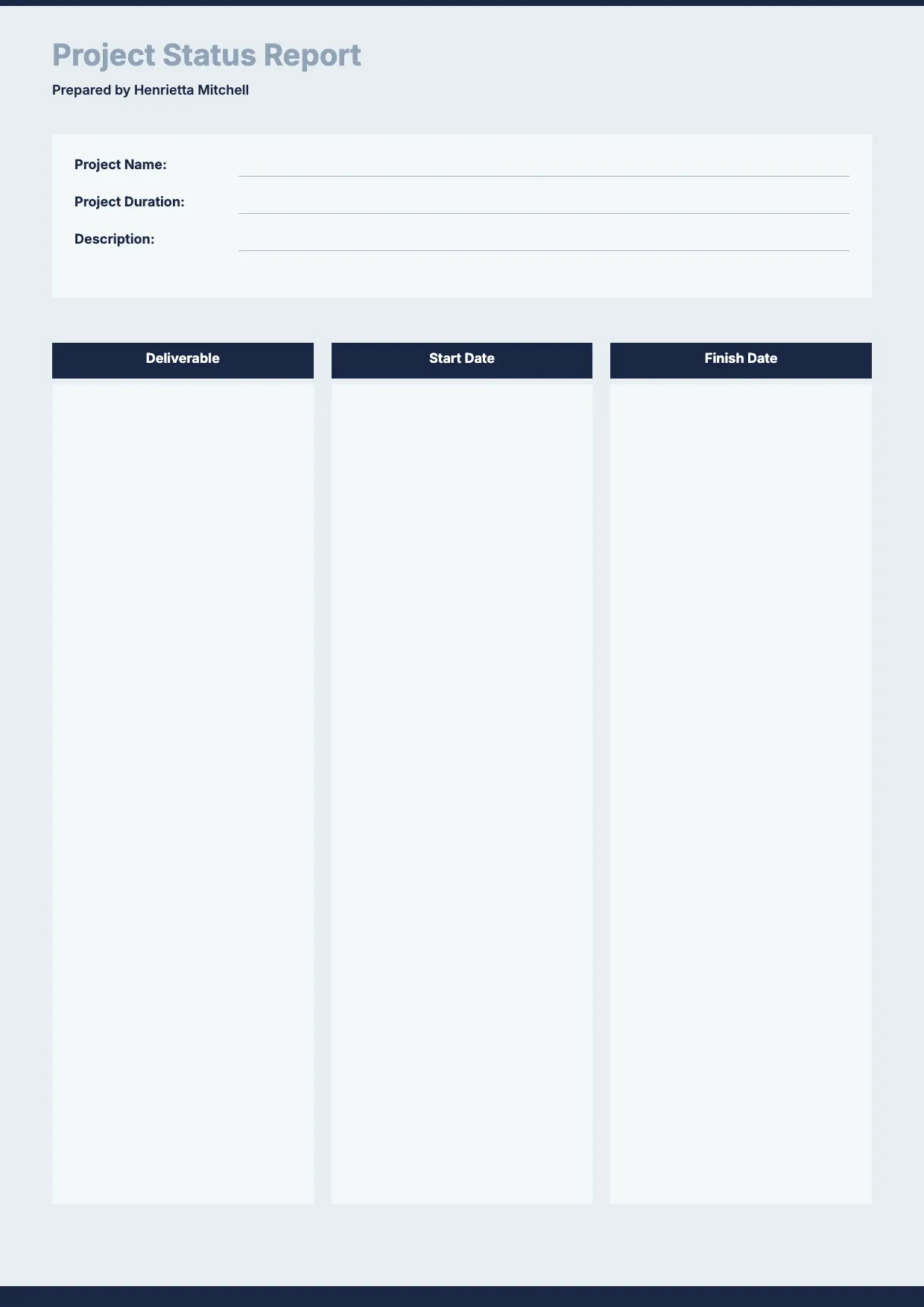
About Project Status Report Template
Project managers need a clear way to show stakeholders where work stands. A project status report summarizes progress, flags risks, and sets expectations for what comes next, keeping teams and clients aligned throughout the project.
Our project status report template covers milestones, task progress, budget notes, risks, and next steps, with space for your logo. Fill it in through the OnlyDoc editor and reuse it for weekly or monthly updates.
Frequently asked questions
What is a project status report template?
A project status report is a document used to summarize progress, milestones, and issues on a project. The template turns that into a reusable format with the headings and prompts already in place, which saves effort and keeps the wording consistent. You personalize the details and download the finished document.
When should you use a project status report template?
Use it whenever you need to update stakeholders on progress, whether weekly, monthly, or at key milestones. Whether it is a one-off need or something you handle regularly, the template fits both. You open it, update the details for the occasion, and download a clean, finished version whenever you need it.
What should be included in a project status report template?
At minimum it covers the project name, reporting period, milestones, task progress, budget status, risks, and next steps. Each part is laid out for you, so you focus on the content rather than the formatting, and the finished project status report stays clear and complete for every reader.
Who can use a project status report template?
Project managers, team leads, and consultants benefit most from it. Whether you create one occasionally or often, the template saves time and keeps the output consistent. Because it is easy to adapt, people with no experience can produce a polished project status report just as confidently as regular users.
How often should a project status report be sent?
Most teams send one weekly or biweekly, though the right cadence depends on the project's pace and stakeholder needs. Regular reporting builds trust and catches issues early. Our template makes it quick to update the same document each cycle, so consistent reporting never becomes a burden on your schedule.
How do you highlight risks in a project status report?
List each risk with its likely impact and a proposed mitigation, rather than burying it in general notes. Stakeholders respond faster to clear, specific flags. Our template includes a dedicated risks section, so issues stand out and get addressed before they affect your timeline or budget.
What formats can I download a project status report template in?
Once you have finished editing in the OnlyDoc editor, you can export your project status report as PDF, DOC, XLSX, PPTX, JPG, or PNG. That gives you a file to email, a printable copy, and an editable version you can update later as the project moves forward.