Report Card Template
Use template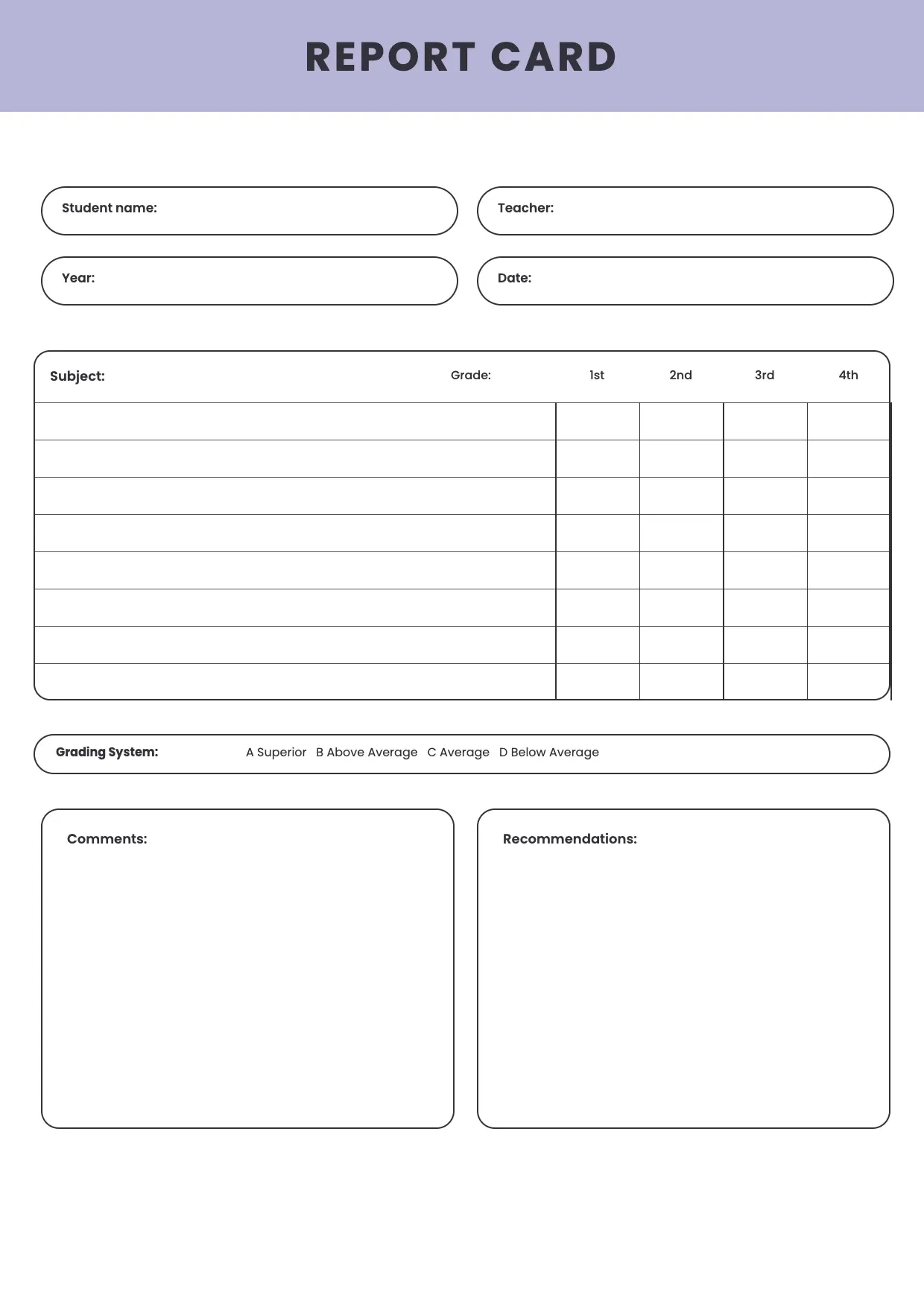
About Report Card Template
Teachers and schools need a clear way to summarize a student's progress each term. A report card template gives parents a quick view of grades, attendance, and teacher comments, so everyone understands how the student is doing without wading through raw scores.
Our report card template covers subjects, grades, attendance, teacher remarks, and space for a school logo. Fill it in through the OnlyDoc editor and reuse it every term for any class or grade level.
Frequently asked questions
What is a report card template?
A report card is a document schools use to summarize a student's grades, attendance, and behavior over a term. The template turns that into a reusable format with the headings and prompts already in place, which saves effort and keeps the wording consistent. You personalize the details and download the finished document.
When should you use a report card template?
Use it at the end of a term, semester, or grading period to summarize a student's performance for parents. Whether you issue one report or dozens across a school, the template fits both. You open it, update the details for the student, and download a clean, finished version whenever grading ends.
What should be included in a report card template?
At minimum it covers the student's name, subjects, grades, attendance, teacher comments, and the grading period. Each part is laid out for you, so you focus on the content rather than the formatting, and the finished report card stays clear and complete for parents and school records.
Who can use a report card template?
Teachers, school administrators, and homeschool parents benefit most from it. Whether you create one occasionally or every term, the template saves time and keeps the output consistent. Because it is easy to adapt, people with no design experience can produce a polished report card just as confidently as regular users.
What should a report card include for parents?
A report card should show the student's name, subjects, grades, attendance, and a short teacher comment on progress or behavior. Clear comments help parents understand strengths and areas to improve. Our template covers each section, so parents get a complete picture without needing to ask the teacher for extra detail.
Can a report card template be used for different grade levels?
Yes. You can adjust subjects, grading scales, and comment sections to fit elementary, middle, or high school needs. Because the layout stays flexible, one template can serve an entire school. Edit the fields in the OnlyDoc editor and reuse the same design across every classroom and grade level you teach.
What formats can I download a report card template in?
Once you have finished editing in the OnlyDoc editor, you can export your report card as PDF, DOC, XLSX, PPTX, JPG, or PNG. That gives you a file to email parents, a printable copy for records, and an editable version you can update again next grading period.