Glossary Template
Use template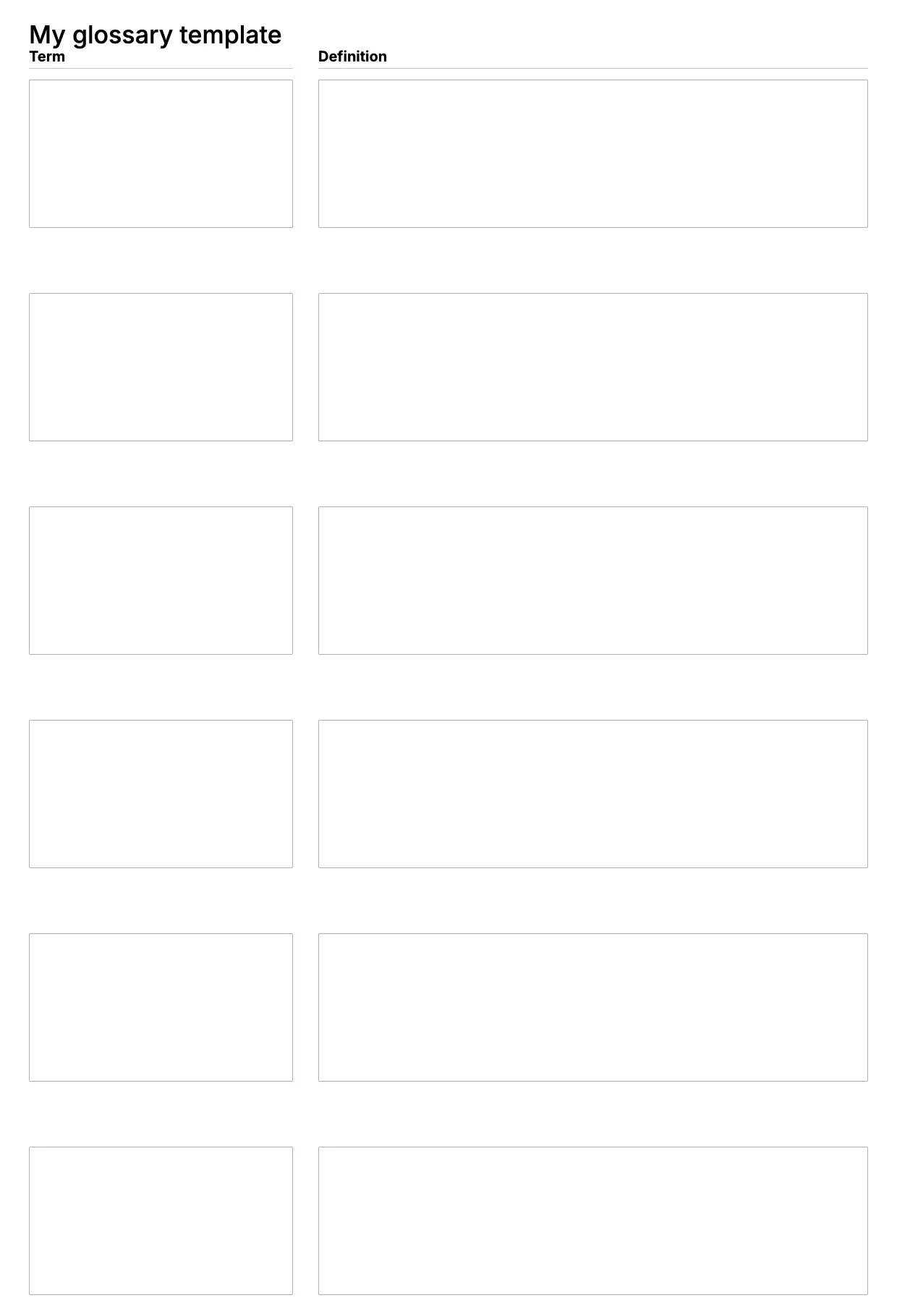
About Glossary Template
Documents full of specialized language need a reference readers can turn to. A glossary lists key terms and their definitions in one place, so a manual, report, or guide stays clear even for someone new to the subject.
Our glossary template covers terms, definitions, categories, and page or section references, with space for your branding. Fill it in through the OnlyDoc editor and reuse it for any document that needs a term list.
Frequently asked questions
What is a glossary template?
A glossary is a list of terms and their definitions attached to a document. The template turns that into a reusable format with the headings and prompts already in place, which saves effort and keeps the wording consistent. You personalize the entries and download the finished document.
When should you use a glossary template?
Use it whenever a document contains terms a reader might not know, such as a manual, thesis, or technical report. Whether you need it once or reuse it across projects, the template fits both. You open it, add your terms, and download a clean, finished version whenever you need one.
What should be included in a glossary template?
At minimum it covers each term, its definition, a category if relevant, and a reference to where it appears in the document. Each part is laid out for you, so you focus on the content rather than the formatting, and the finished glossary stays clear and complete.
Who can use a glossary template?
Writers, students, researchers, and technical teams benefit most from it. Whether you build one occasionally or often, the template saves time and keeps the output consistent. Because it is easy to adapt, people with no experience can produce a polished glossary just as confidently as regular users.
What should a glossary include?
A glossary should include the term, a short definition, and enough context to make it useful without needing to search elsewhere. Alphabetical order helps readers find entries quickly. Our template covers each line, so your document stays organized and easy to reference from start to finish.
Should a glossary be placed at the beginning or end of a document?
Most documents place a glossary at the end, near the appendix, so it does not interrupt the main content. Some technical manuals put it near the front if readers need definitions before starting. Our template works either way, so you can position it wherever your document calls for it.
What formats can I download a glossary template in?
Once you have finished editing in the OnlyDoc editor, you can export your glossary as PDF, DOC, XLSX, PPTX, JPG, or PNG. That gives you a file to email, a printable copy, and an editable version you can update later if the details change.