Social Story Template

Use template
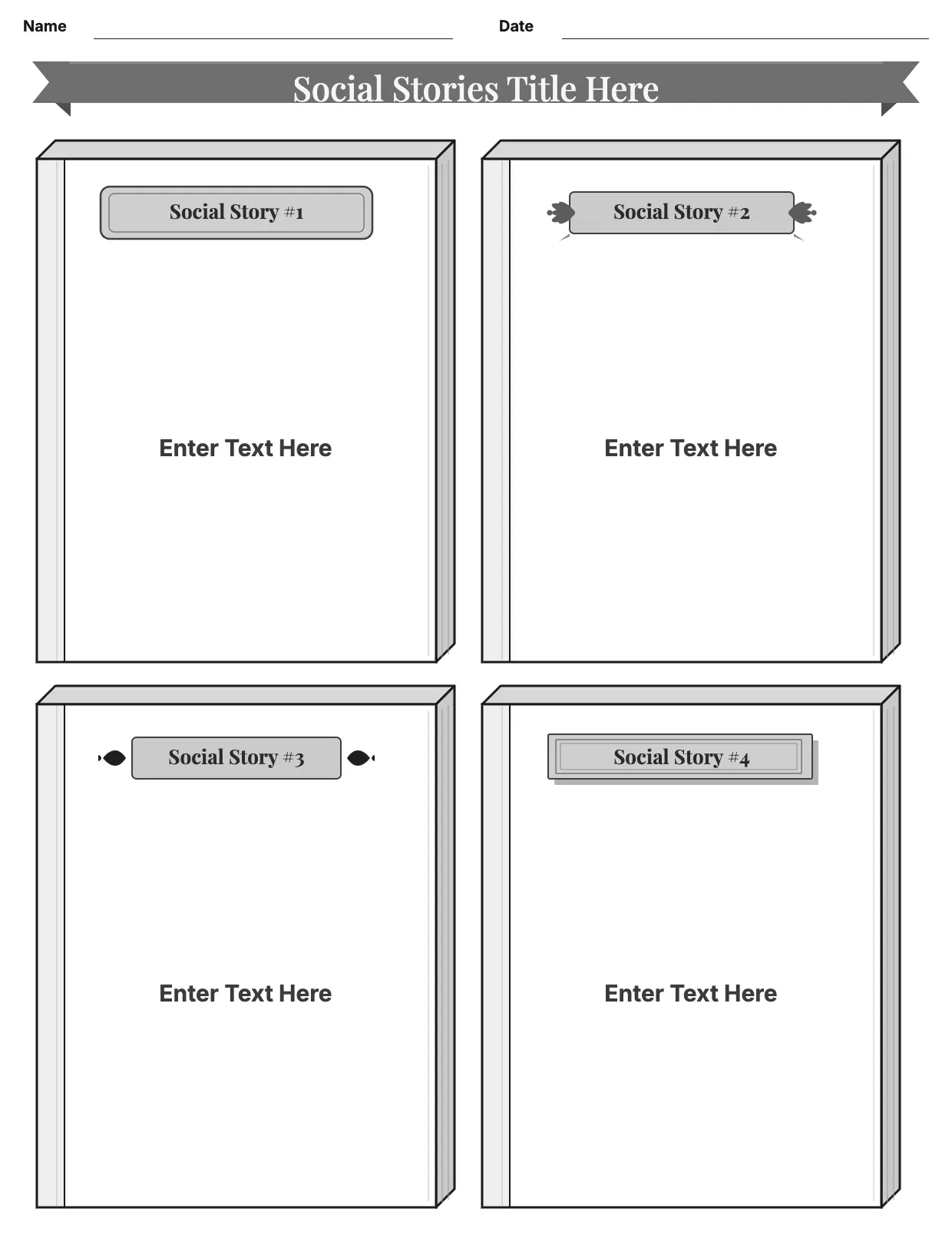
Social Story Template
Worksheet Templates

About Social Story Template

Brands and creators post stories daily, and a consistent look keeps a feed recognizable. A social story template gives you a ready layout with placeholders for text, images, and branding, so every post feels part of the same series.

Our social story template covers a title area, image or video placeholder, caption space, and call-to-action, with room for your logo and colors. Fill it in through the OnlyDoc editor and download it as PDF, DOC, XLSX, PPTX, JPG, or PNG.

Frequently asked questions

What is a social story template?

A social story template is a ready-made layout for the story format used on platforms like Instagram or Facebook. It comes with the text boxes, image placeholders, and proportions already set, which saves effort and keeps your posts looking consistent. You personalize the details and download the finished design.

When should you use a social story template?

Use it whenever you post a story for a brand, event, or personal account. Whether you post daily or only occasionally, the template fits both. You open it, swap in your image and text, and download a clean, finished version whenever you need one.

What should be included in a social story template?

At minimum it covers a background or image area, a headline or caption, and a call-to-action such as a link or swipe-up prompt. Each part is laid out for you, so you focus on the content rather than the sizing, and the finished story stays clear and on-brand.

Who can use a social story template?

Social media managers, small business owners, and individual creators benefit most from it. Whether you post often or rarely, the template saves time and keeps your feed consistent. Because it is easy to adapt, people with no design experience can produce a polished story just as confidently as regular users.

What size should a social story be?

Most platforms use a vertical, full-screen ratio close to 9:16, built for phone screens. Our template is set up in that proportion, so your text and images stay within safe margins and nothing gets cropped when the story is viewed or shared across different devices.

Can a social story template be reused for different campaigns?

Yes. Keep the layout and simply swap the image, headline, and call-to-action for each new campaign or announcement. This keeps your stories recognizable while saving you from rebuilding the design every time. Our template makes it easy to duplicate and adjust in the OnlyDoc editor.

What formats can I download a social story template in?

Once you have finished editing in the OnlyDoc editor, you can export your social story as PDF, DOC, XLSX, PPTX, JPG, or PNG. That gives you a file ready to upload, a printable copy, and an editable version you can update later if the campaign changes.