Gift Certificate Template
Use template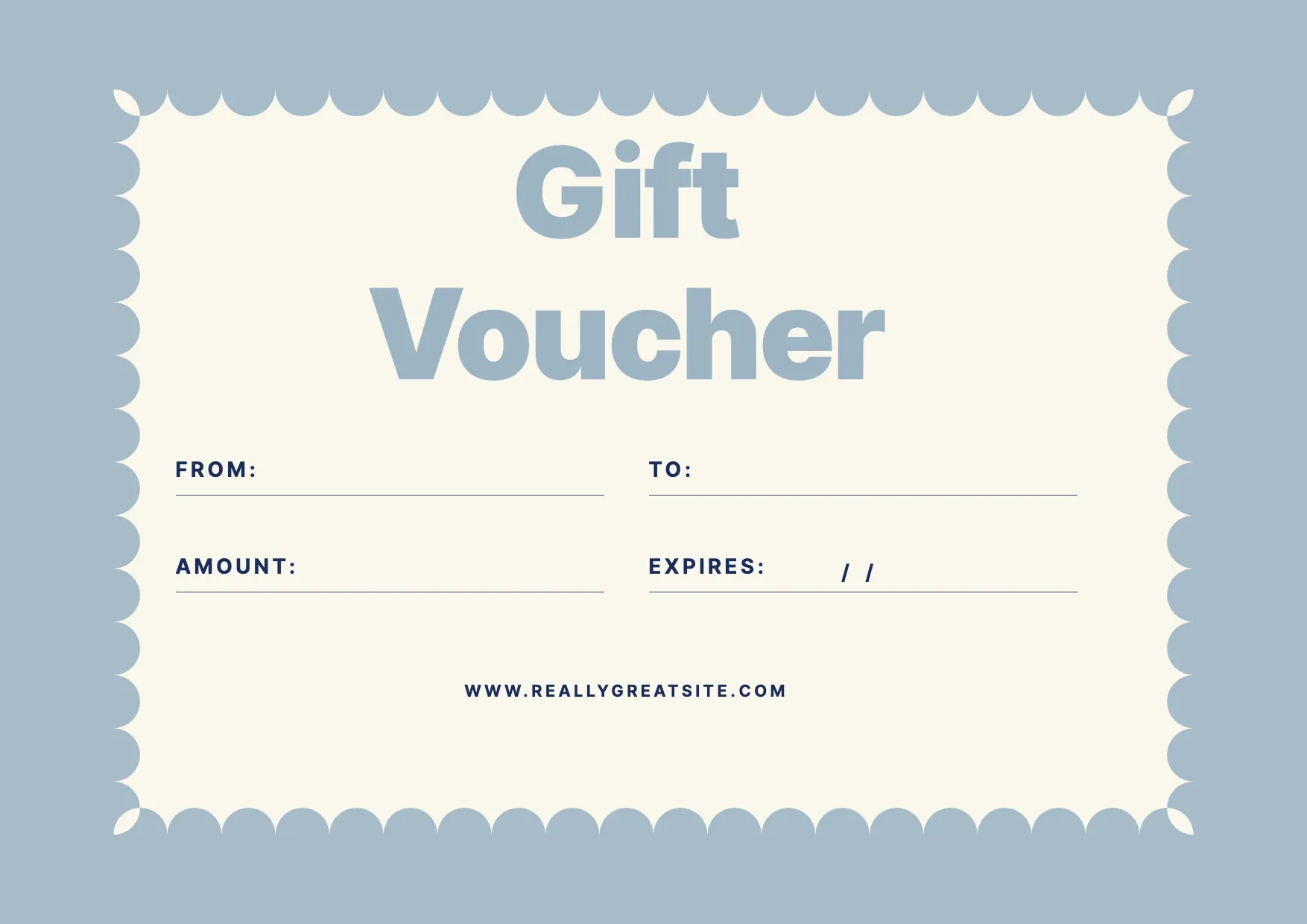
About Gift Certificate Template
A gift certificate turns a slow week into bookings and brings new faces through the door. It gives the buyer something to hand over and the recipient a reason to visit, whether you sell a set value, a service, or a festive Christmas voucher.
Design yours in the OnlyDoc editor: drop in your logo and colors, set the amount and a unique code, and spell out the terms and expiry. Our gift certificate template keeps the layout clean and ready to print or email.
Frequently asked questions
What is a gift certificate template?
A gift certificate is a printable or digital voucher that a business gives for a set value or service. The template turns that into a reusable format with the headings and prompts already in place, which saves effort and keeps the wording consistent. You personalize the details and download the finished document.
When should you use a gift certificate template?
Use it to sell gift vouchers, run a promotion, or offer a present. Whether it is a one-off need or something you handle regularly, the template fits both. You open it, update the details for the occasion, and download a clean, finished version whenever you need it.
What should be included in a gift certificate template?
At minimum it covers the business name, the value or service, a unique code, an expiry date, terms, and a branded design. Each part is laid out for you, so you focus on the content rather than the formatting, and the finished gift certificate stays clear and complete.
Who can use a gift certificate template?
Retailers, salons, restaurants, and small businesses, plus anyone giving one as a gift benefit most from it. Whether you create one occasionally or often, the template saves time and keeps the output consistent. Because it is easy to adapt, people with no experience can produce a polished gift certificate just as confidently as regular users.
Can I add my own logo and branding to the gift certificate?
Yes. In the OnlyDoc editor you can add your logo, change the colors and fonts, and match the design to your brand. A branded certificate looks more professional and trustworthy, which matters when customers buy or receive it. When it looks right, export it to print or send digitally.
Should a gift certificate have an expiry date?
An expiry date is optional but useful, since it encourages customers to redeem the certificate and helps you manage accounting. If you include one, state it clearly along with any terms, such as whether it can be used in part. Our template has a dedicated field for the expiry and conditions.
What formats can I download a gift certificate template in?
Once you have finished editing in the OnlyDoc editor, you can export your gift certificate as PDF, DOC, XLSX, PPTX, JPG, or PNG. That gives you a file to email, a printable copy, and an editable version you can update later if the details change.