Avery 8160 Label Template
Use template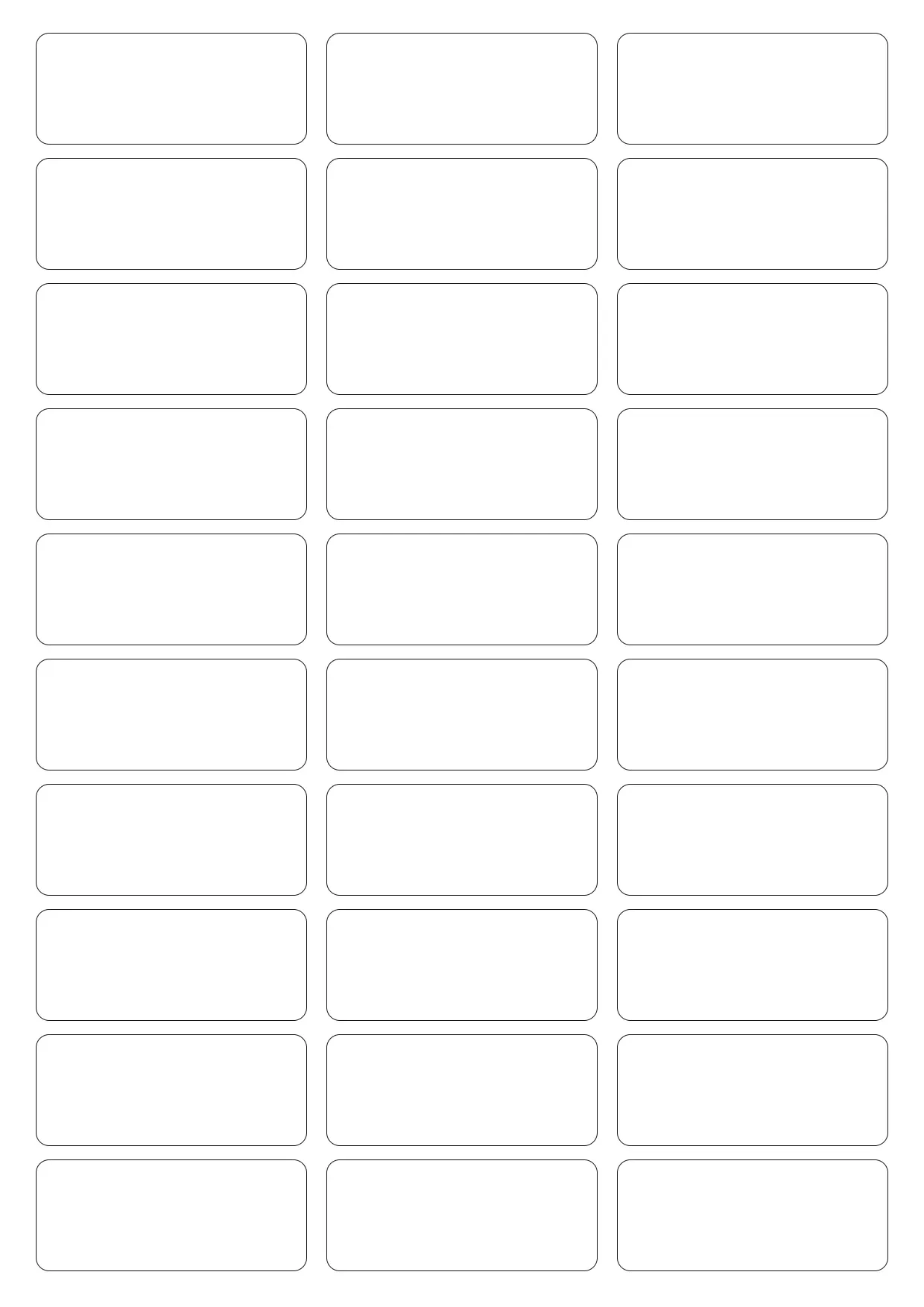
About Avery 8160 Label Template
The Avery 8160 label template is a standard solution for organizing mail, labeling products, or any task requiring efficient labeling. Easy to customize, these labels are perfect for businesses, home offices, and personal projects demanding clarity and professionalism.
Our template includes sections for addresses, logos, and custom text, allowing you to tweak labels to your liking. Edit directly in the OnlyDoc editor and download as PDF, DOC, or PNG for versatile printing.
Frequently asked questions
What is an Avery 8160 label template?
An Avery 8160 label template is a pre-designed format for creating 30 labels on a letter-sized sheet, each measuring 2.625 x 1 inch. Used commonly for mailing and organizing, it simplifies label creation by providing consistent alignment and style across all labels in a batch.
When should you use an Avery 8160 label template?
Use the Avery 8160 label template for efficient, uniform label creation when mailing envelopes, organizing files, or labeling products. It's particularly helpful for large-scale projects requiring volume and consistency, ensuring every label maintains the desired design, information layout, and professional appearance.
What should be included in an Avery 8160 label template?
Your Avery 8160 label template should include text fields for names and addresses, ample space for logos or branding, and any necessary instructions or identifiers. The template's predefined alignment ensures accuracy, making updates and modifications straightforward and reliable for projects of any size.
Who can use an Avery 8160 label template?
Businesses, home office users, and individuals can all benefit from using the Avery 8160 label template. It's perfect for creating multiple labels swiftly and accurately, accommodating users of all skill levels to generate professional-quality labels with ease. This template supports offices, retailers, and personal projects.
How do you customize an Avery 8160 label template?
Customize our Avery 8160 label template by editing text fields and inserting graphics in the OnlyDoc editor. Adjust font size and other styling options to fit your needs. Once you're satisfied, download the file in PDF, DOC, or PNG format for printing or sharing.
Can you change the font in an Avery 8160 label template?
Yes, you can change the font in an Avery 8160 label template. The template is flexible, allowing you to choose different fonts, sizes, and colors to match your branding or personal preferences, all within the OnlyDoc editor before downloading your final version.
What formats can I download an Avery 8160 label template in?
After customizing your labels in the OnlyDoc editor, you can download the Avery 8160 label template in PDF, DOC, or PNG formats. This variety supports digital use, easy printing, and sharing with others who may need to replicate or utilize the same label format.