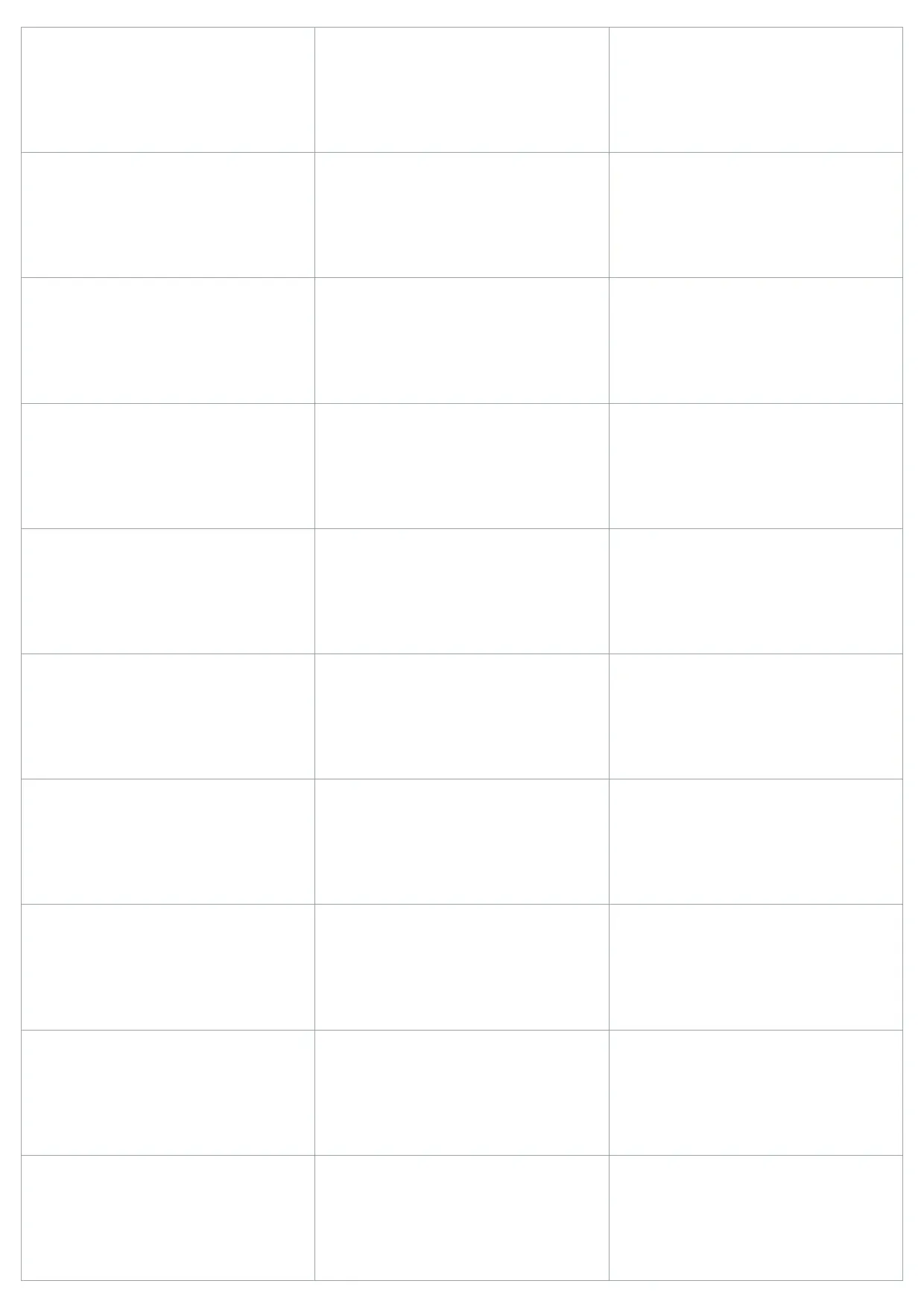
 Label Templates Avery 5160 Label Template Use template
 Label Templates
Label Templates Avery 5160 Label Template Use template  Label Templates Luggage Tag Template Use template
  Label Templates Nutrition Facts Template Use template
  Label Templates Name Plate Template Use template
 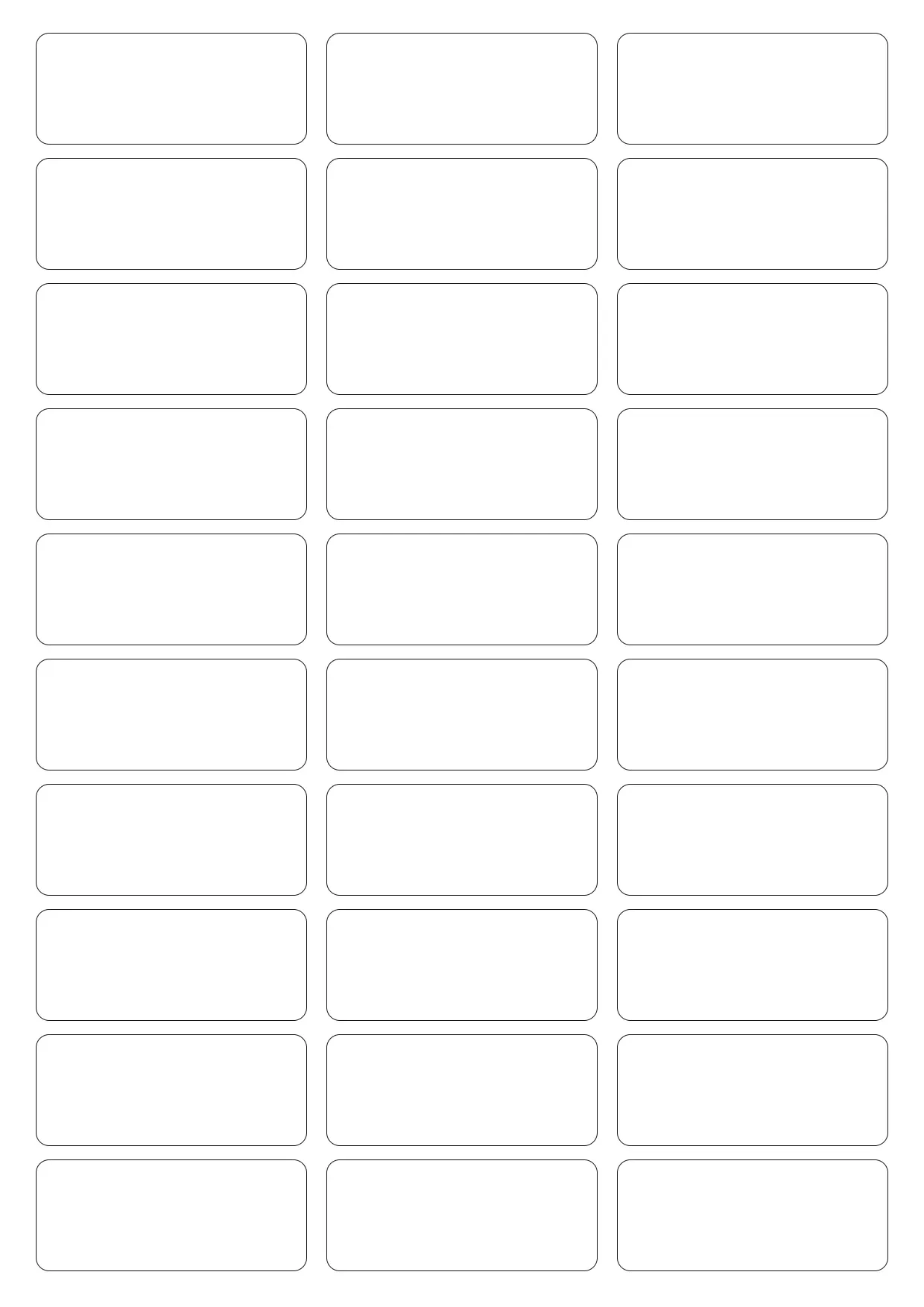 Label Templates Avery 8160 Label Template Use template
 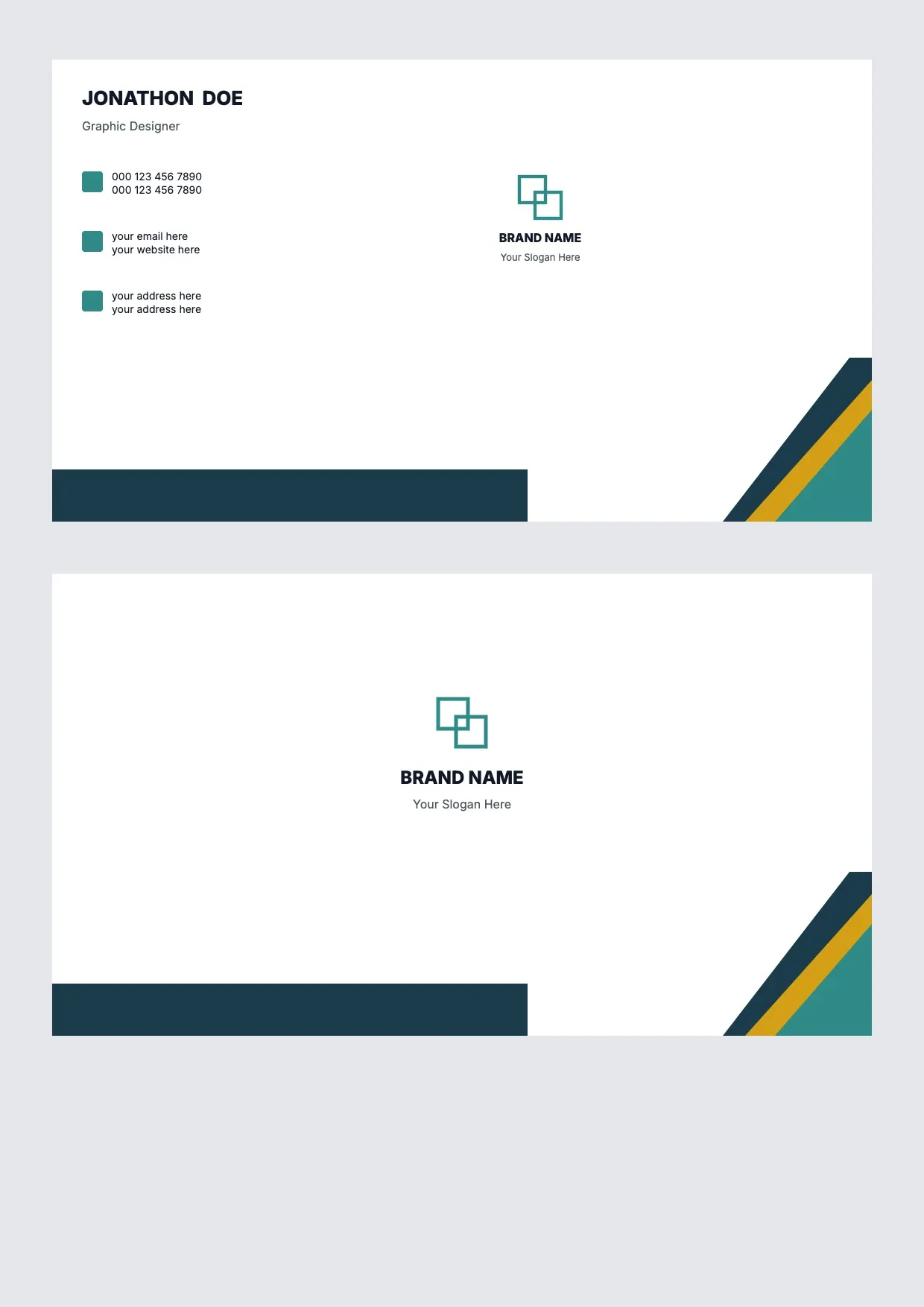 Label Templates Name Card Template Use template
 About Label Templates
Our label templates simplify the process of creating organized labels for every purpose, from mailing address labels to product packaging and binder labels. Each template comes with predefined layouts, so you can focus on adding your information and style, creating labels that are truly yours.
This collection includes easy-to-edit templates for various sizes and layouts, ensuring the perfect fit for your paper and printer specifications. Whether you need printable label templates for personal or business use, our diverse designs and customization options allow you to craft a label that meets your specific needs.
Use our free label templates to design labels with your preferred fonts, colors, and logos. Download your custom label template as a PDF, DOC, or other formats, and print high-quality labels effortlessly on your home or office printer. With our templates, you turn creativity into tangible results without hassle.
Frequently asked questions
How do I make labels?
To make labels, first choose a label template that matches your specific label size and style. Customize fields by adding your desired text, graphics, or company logo. Once you've made all necessary changes, download the file. Print your customized labels on label sheets using your home printer for personal use.
What should a label include?
A label should include all essential details pertinent to its purpose. For example, address labels should display recipient names and full addresses. Product labels should present complete ingredients, clear usage instructions, and company branding elements. These key pieces of information ensure the label effectively communicates its intended message and purpose to the audience.
How do I print labels?
After customizing your label template, download it in a suitable file format such as PDF or DOCX. Set your printer with the appropriate paper size and settings for optimal results. It's a good idea to perform a test print on plain paper before using your label sheets, to verify alignment and quality.
How do I create a label template?
Creating a label template involves selecting a pre-designed layout that aligns with your project requirements. Customize this layout by integrating specific text, color schemes, and logos. Adjust fields to precisely fit the content you want to showcase. Once finalized, save the template for consistent use across multiple labeling tasks.
Is there a label template in Word?
Yes, Microsoft Word offers a variety of label templates. You can access these within Word's template library. Customize them by altering existing text or adjusting the layout to meet your individual label needs. Additionally, importing templates from external sources can provide further customization options to enhance your projects.
How can I make my own printable labels for free?
You can create printable labels for free by using our extensive selection of free label templates online. Begin by selecting a template that fits your style, then personalize it with your details. After finalizing the design, download the file and print it from home without incurring any cost.
Is there a Word 21 label template available?
Yes, Word 21 offers support for label templates directly through its built-in template library. You can customize these templates to fit your requirements. Additionally, you can import external templates for use in Word 21. This flexibility allows for a wide range of labeling projects, ensuring you can meet any specific need.
Any more feedback for Microsoft?
If you have feedback or suggestions regarding label templates in Microsoft Office applications, consider submitting your thoughts through Microsoft's built-in feedback tools. These tools are designed to gather user insights, which can lead to future enhancements and updates in the software, improving user experience and functionality.
Can I create and print a page of identical labels?
Absolutely. Start by selecting a label template that meets your requirements. Customize a single label with the specific information you need. Then, use the duplication features offered in your software to effortlessly replicate this label, filling the entire sheet. You'll have a full page of identical labels ready for printing.