Employee Schedule Template
Use template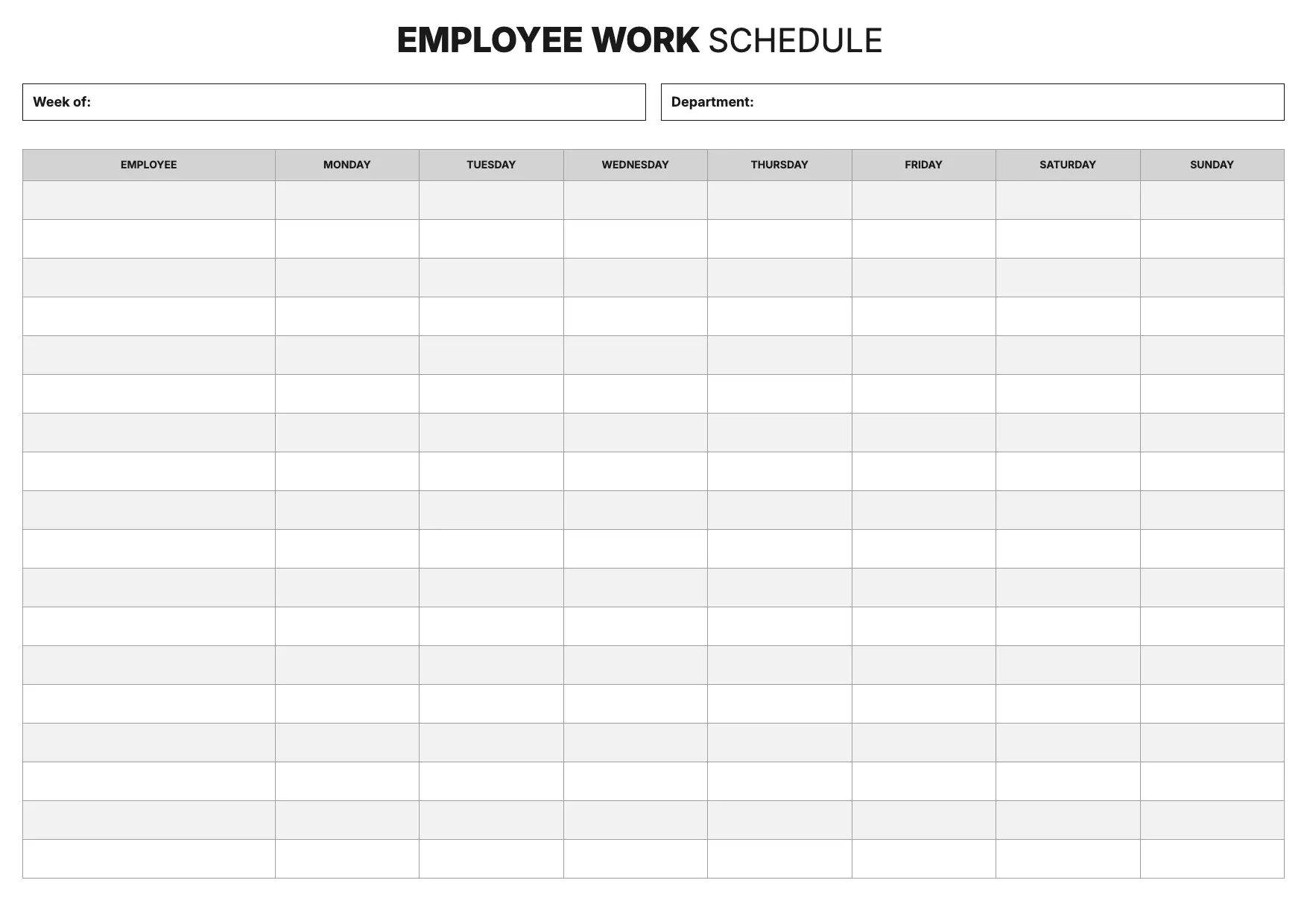
About Employee Schedule Template
Managers juggle shifts, roles, and availability every week, and a clear schedule keeps a team running without confusion. An employee schedule template lays out who works when, so staff know their hours and managers avoid double-booking or gaps in coverage.
Our employee schedule template covers employee names, shifts, days, roles, and total hours, with space for notes on breaks or overtime. Fill it in through the OnlyDoc editor and reuse it for weekly or biweekly planning across any team.
Frequently asked questions
What is an employee schedule template?
An employee schedule template is a reusable document that lays out shifts, days, and roles for a team. It replaces building a schedule from scratch each week with a ready format that already has the headings and prompts in place. You add the details and download the finished version.
When should you use an employee schedule template?
Use it whenever you plan shifts for a team, whether weekly, biweekly, or for a single event. It suits retail, hospitality, healthcare, and office settings alike. You open it, fill in names and shifts, and download a clear schedule ready to share with your staff.
What should be included in an employee schedule template?
At minimum it covers employee names, days, shift times, roles, and total hours worked. Some versions add breaks, locations, or overtime notes. Each section is laid out for you, so the finished employee schedule stays organized and easy for staff to read at a glance.
Who can use an employee schedule template?
Managers, supervisors, and small business owners who coordinate staff benefit most from it. Whether you schedule a small team or several departments, the template adapts to the workload. Because it is straightforward to fill in, anyone new to scheduling can produce a clear plan without extra guesswork.
How far in advance should employee schedules be published?
Most workplaces post schedules one to two weeks ahead, giving staff time to plan around shifts. Publishing early also reduces last-minute swap requests. Our template makes it quick to build a schedule ahead of time and adjust it in the OnlyDoc editor if availability changes.
Can an employee schedule template handle rotating shifts?
Yes. You can lay out morning, evening, and night shifts across the week, then repeat or rotate the pattern for each employee. Listing shifts clearly helps avoid overlap and confirms everyone knows their hours. Our template keeps the layout consistent even as the rotation changes week to week.
What formats can I download an employee schedule template in?
Once you have finished editing in the OnlyDoc editor, you can export your employee schedule as PDF, DOC, XLSX, PPTX, JPG, or PNG. That gives you a file to print for a breakroom, an editable version to update weekly, and a copy to share digitally with your team.