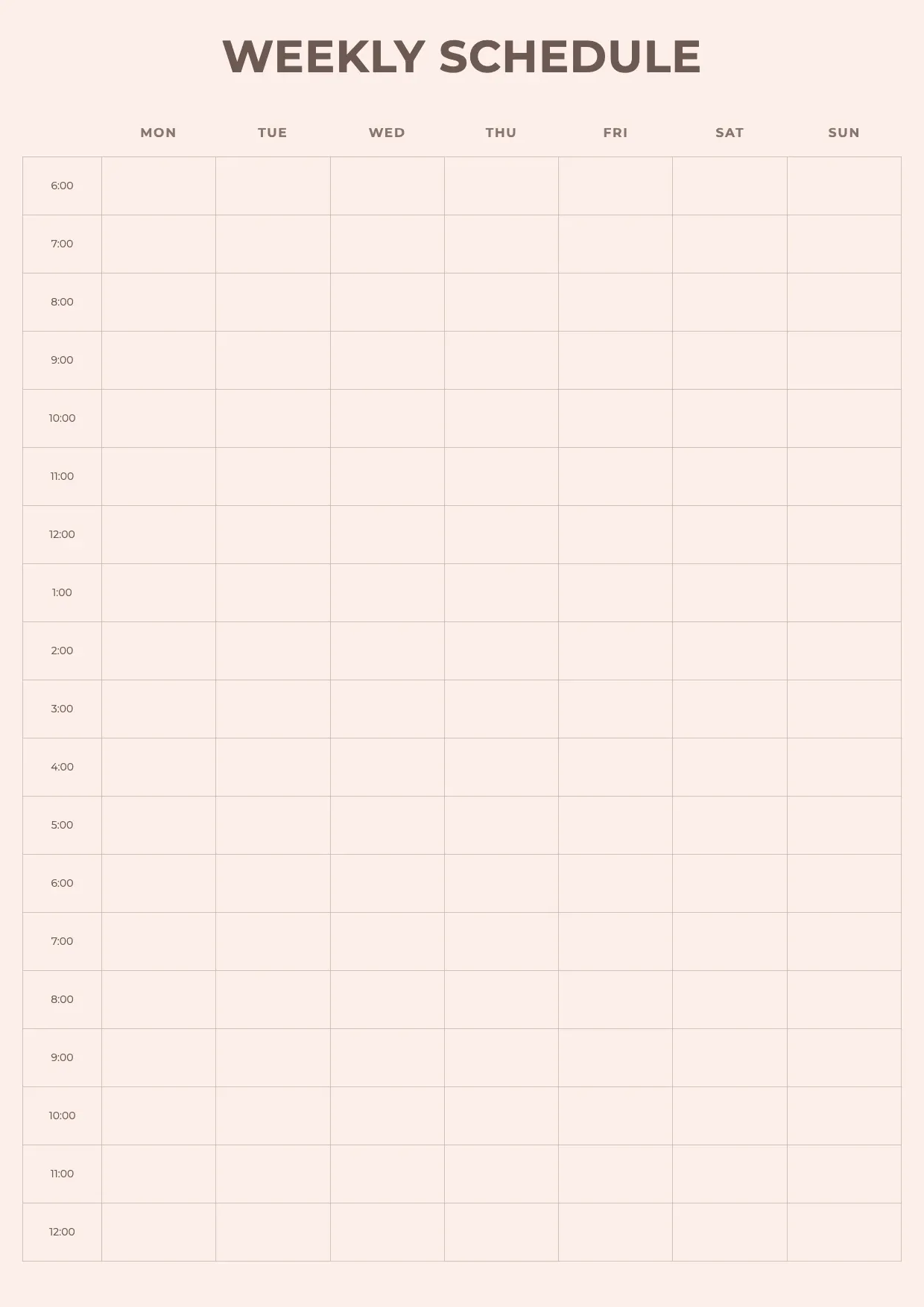
 Schedule Templates Weekly Schedule Template Use template
 Schedule Templates
Schedule Templates Weekly Schedule Template Use template 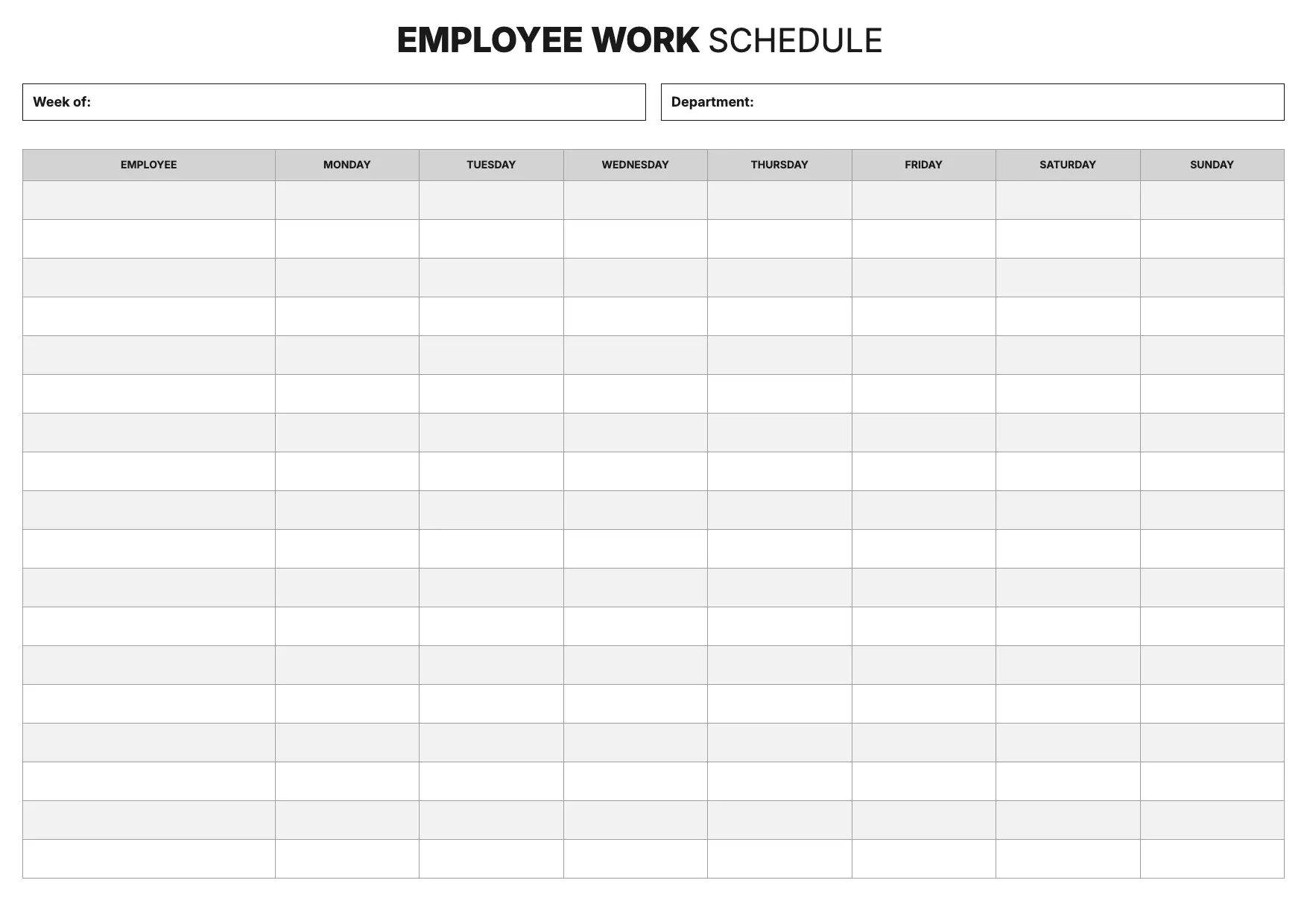 Schedule Templates Employee Schedule Template Use template
 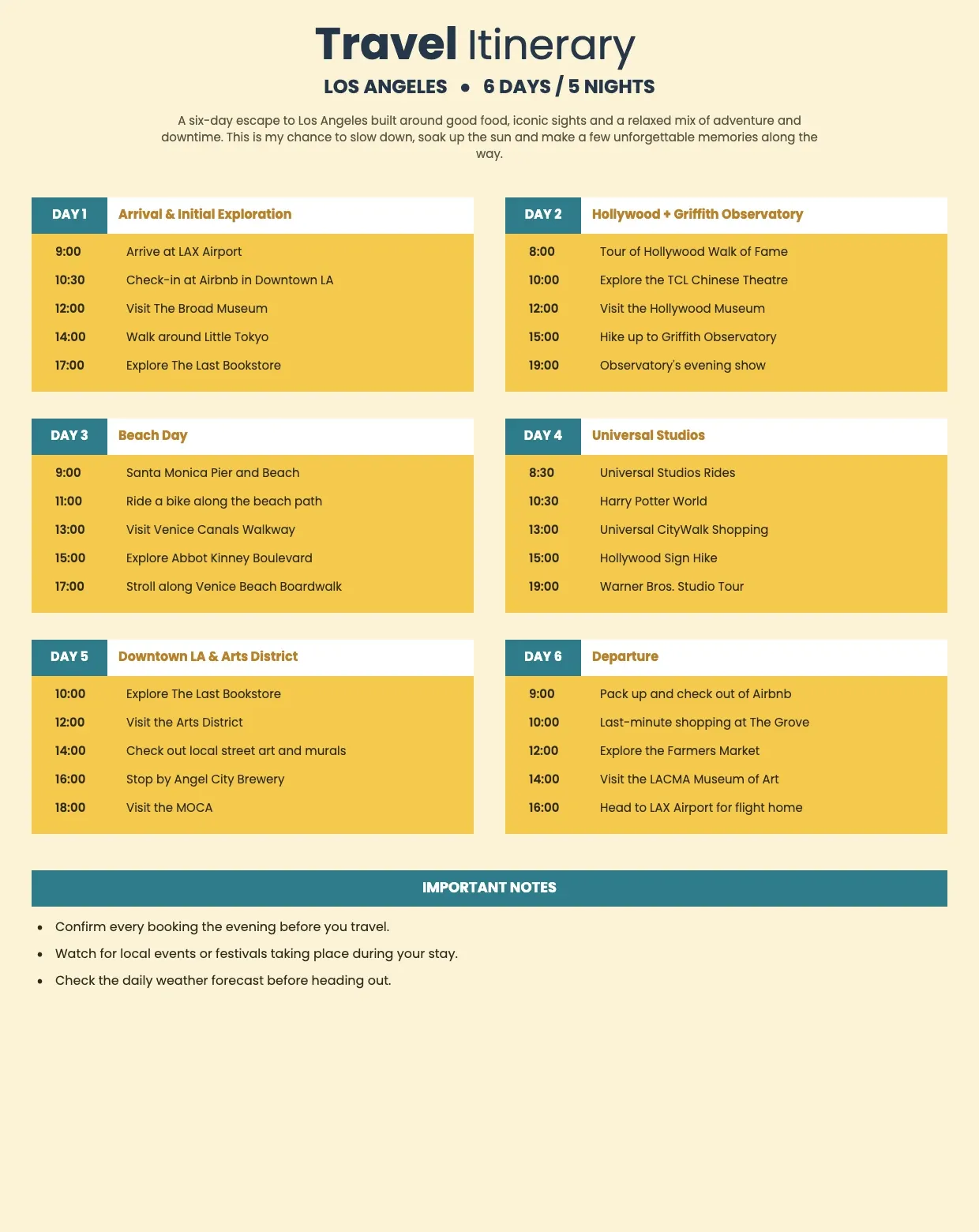 Schedule Templates Travel Itinerary Template Use template
 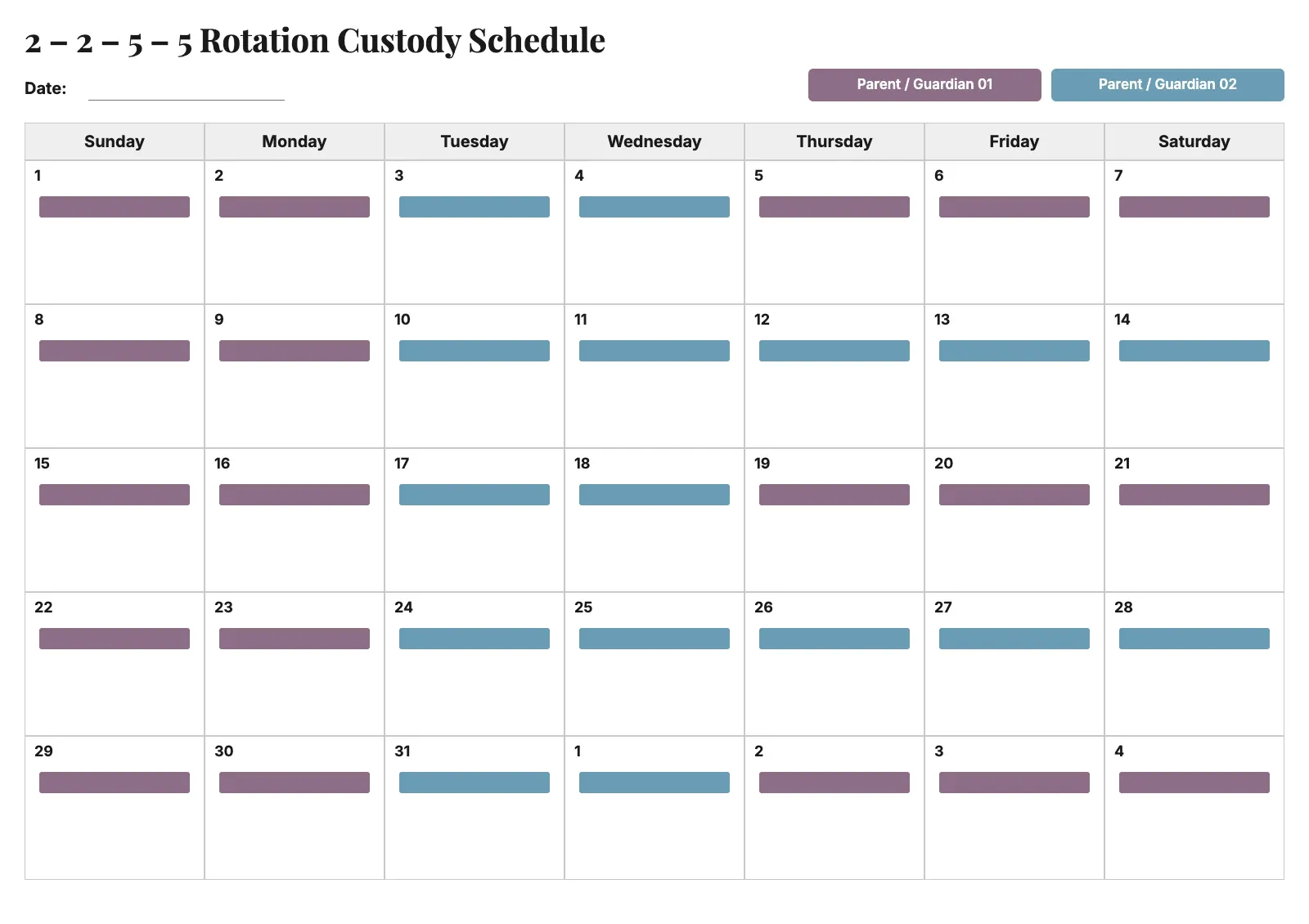 Schedule Templates Custody Schedule Template Use template
 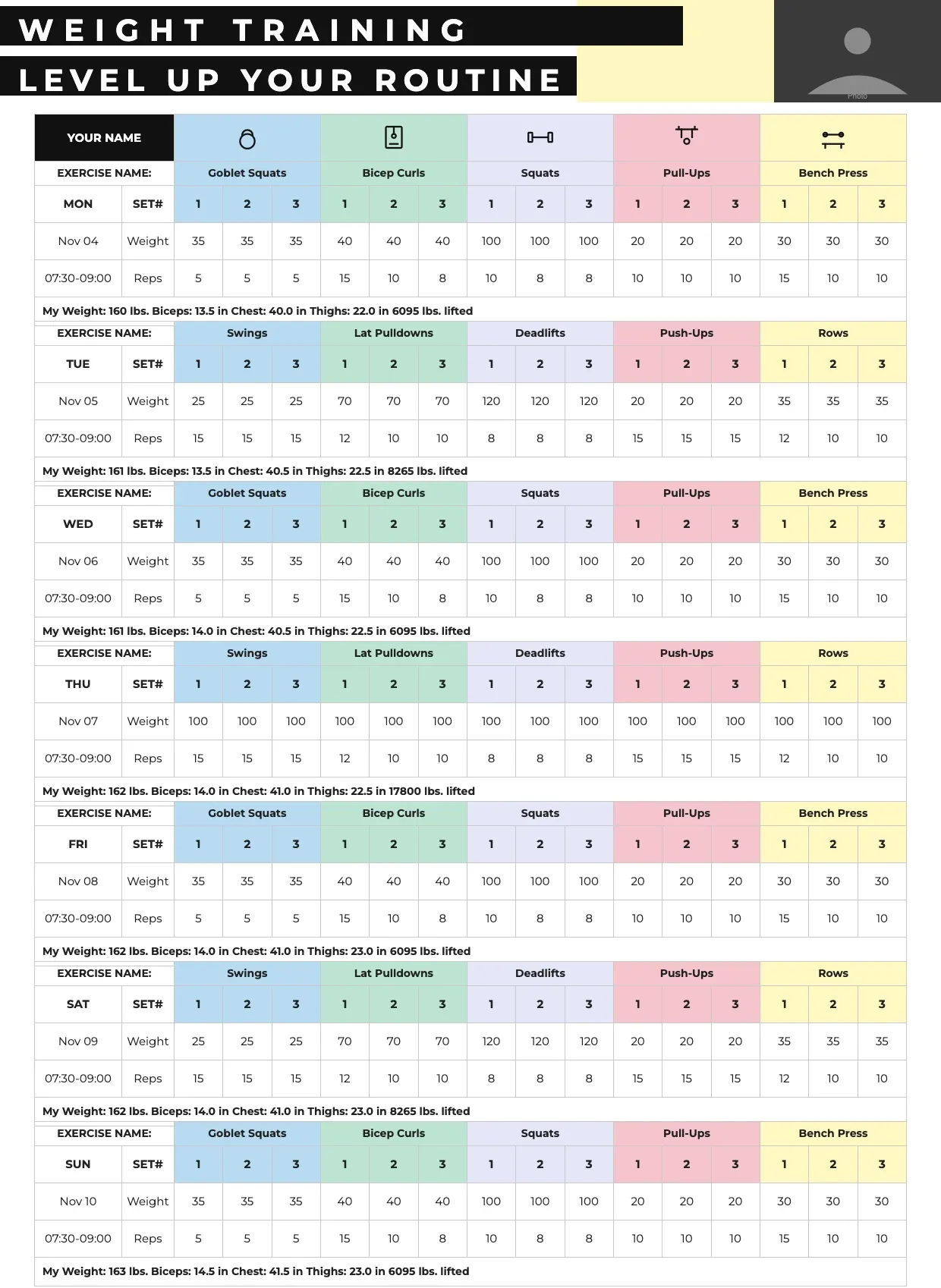 Schedule Templates Workout Calendar Template Use template
  Schedule Templates Cleaning Schedule Template Use template
  Schedule Templates Class Schedule Template Use template
  Schedule Templates Production Schedule Template Use template
  Schedule Templates College Schedule Template Use template
 About Schedule Templates
Our schedule templates cover the everyday layouts people need to plan time, from a weekly schedule template for personal routines to shift rosters, class timetables, and project timelines for teams. Whatever the format, each schedule template gives you a ready structure of columns, rows, and dates so you spend your time filling in tasks instead of building a grid.
The collection ranges from a simple daily planner to more detailed work schedule templates with hourly slots, color coding, and space for multiple team members. Some layouts suit a single person tracking assignments and deadlines, while others are built for managers organizing shifts, priorities, and project schedules across a whole team.
Pick the layout closest to your needs, then customize the columns, dates, and labels in Excel, Word, or Google Sheets. A blank schedule template is easy to adapt for any routine, and because our free schedule templates are already formatted, you can download a printable version and start tracking tasks right away.
Frequently asked questions
How do you create a simple schedule?
Start with a blank schedule template and list your tasks or shifts down one side, with dates or hours across the top. Fill in each slot, then add color coding or priority markers to spot conflicts quickly. Keeping the layout simple makes it easier to update daily without rebuilding the whole sheet.
What is a 9/80 work schedule?
A 9/80 work schedule compresses 80 work hours into nine days over two weeks instead of ten, giving employees one extra day off every other week. Teams track this pattern using a work schedule template with columns for each day, so hours, overtime, and the recurring day off stay clearly organized.
How do you organize your work schedule?
Group tasks by priority or deadline, then block out hours for each on a weekly schedule template. List assignments in one column and dates across the top, using color coding to separate categories like meetings, deadlines, and routine work. Reviewing the layout each week keeps your schedule realistic and easy to follow.
Is there a free schedule template I can use?
Yes, our collection includes free schedule templates for weekly planning, work shifts, classes, and projects. Each one is already formatted with columns for dates, tasks, and hours, so you download the layout, customize the details, and start organizing your time without designing a sheet from scratch.
Does Google have a schedule template?
Google Sheets includes basic planning layouts, and you can also import a customizable schedule template built elsewhere. Many people prefer starting from our schedule template because the columns, headers, and formatting are ready, then they open it in Google Sheets to edit tasks, dates, and team assignments.
Does Word have a schedule template?
Word offers a few built-in layouts, but they are often plain and limited. Our schedule template gives you a more complete structure, with clear sections for dates, tasks, and deadlines, so you can open it in Word, add your own formatting, and export a polished, printable document.
Is there a schedule template in Excel?
Excel supports schedule templates well, since its grid format suits columns for dates, hours, and assignments. Our weekly schedule template opens directly in Excel, where you can sort tasks, apply color coding, and use formulas to track deadlines across a project schedule or work rotation.
Can I create a schedule using AI?
AI tools can suggest a rough structure or help draft task lists, but you still need a clear layout to organize the result. Starting from a schedule template gives you that structure immediately, so any AI-generated tasks or timelines slot into a format that is already easy to read and track.
How do I make my own work schedule?
Choose a work schedule template, then list team members or tasks down one side and hours or dates across the top. Fill in shifts or deadlines, add color coding for quick scanning, and adjust the columns as your routine changes. A clear format keeps everyone aligned on priorities and timing.