Weekly Schedule Template
Use template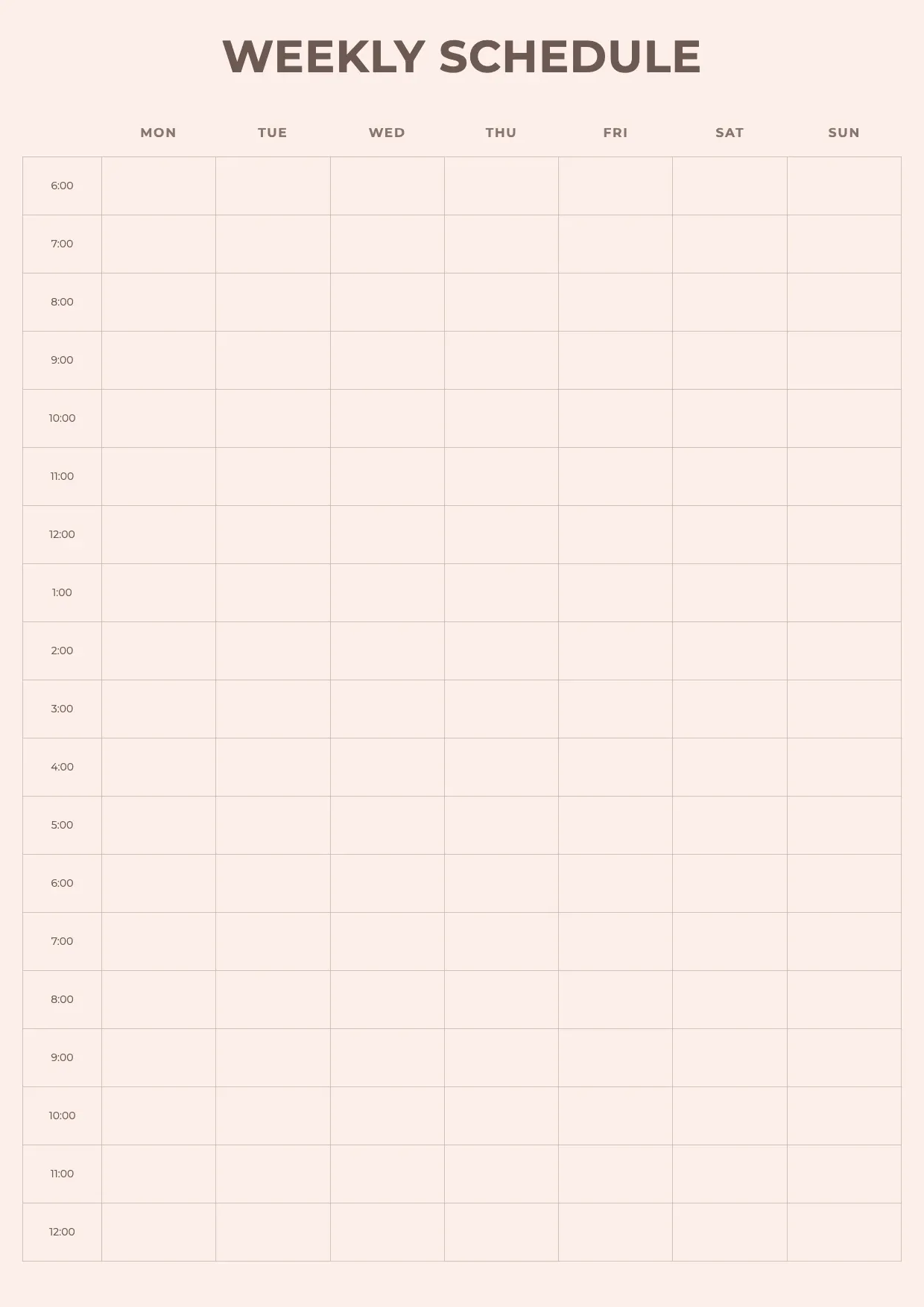
About Weekly Schedule Template
Whether you're managing a team, a classroom, or your own routine, a clear plan for the week keeps everyone on track. A weekly schedule lays out days, time slots, and tasks, so nothing important gets missed.
Our weekly schedule template covers each day of the week, time blocks, task columns, and notes, with space for your branding. Fill it in through the OnlyDoc editor and reuse it every week without rebuilding it from scratch.
Frequently asked questions
What is a weekly schedule template?
A weekly schedule is a document that lays out days, time slots, and tasks for the week ahead. The template turns that into a reusable format with the headings and prompts already in place, which saves effort and keeps the layout consistent. You personalize the details and download the finished document.
When should you use a weekly schedule template?
Use it whenever you need to plan tasks, shifts, or activities across a week, at work, school, or home. Whether you plan once or every week, the template fits both. You open it, update the details for the occasion, and download a clean, finished version whenever you need it.
What should be included in a weekly schedule template?
At minimum it covers the days of the week, time slots, tasks or activities, and space for notes. Each part is laid out for you, so you focus on the content rather than the formatting, and the finished weekly schedule stays clear and easy to follow.
Who can use a weekly schedule template?
Students, employees, managers, and households benefit most from it. Whether you create one occasionally or every week, the template saves time and keeps the output consistent. Because it is easy to adapt, people with no experience can produce a clear weekly schedule just as confidently as regular users.
How do I organize a weekly schedule for a team?
List each team member, their shifts or tasks, and the time slots across the week. Group by day or by person, depending on what's clearer for your team. Our template lets you set columns and rows in the OnlyDoc editor, so shifts and responsibilities stay visible at a glance.
Can a weekly schedule template be reused every week?
Yes. Once you've set up the days, time slots, and task columns, you can update the details each week without redesigning the layout. This keeps your planning consistent and saves time compared to starting from a blank page every time you need to plan ahead.
What formats can I download a weekly schedule template in?
Once you have finished editing in the OnlyDoc editor, you can export your weekly schedule as PDF, DOC, XLSX, PPTX, JPG, or PNG. That gives you a file to email, a printable copy, and an editable version you can update later if the details change.