Classroom Seating Chart Template
Use template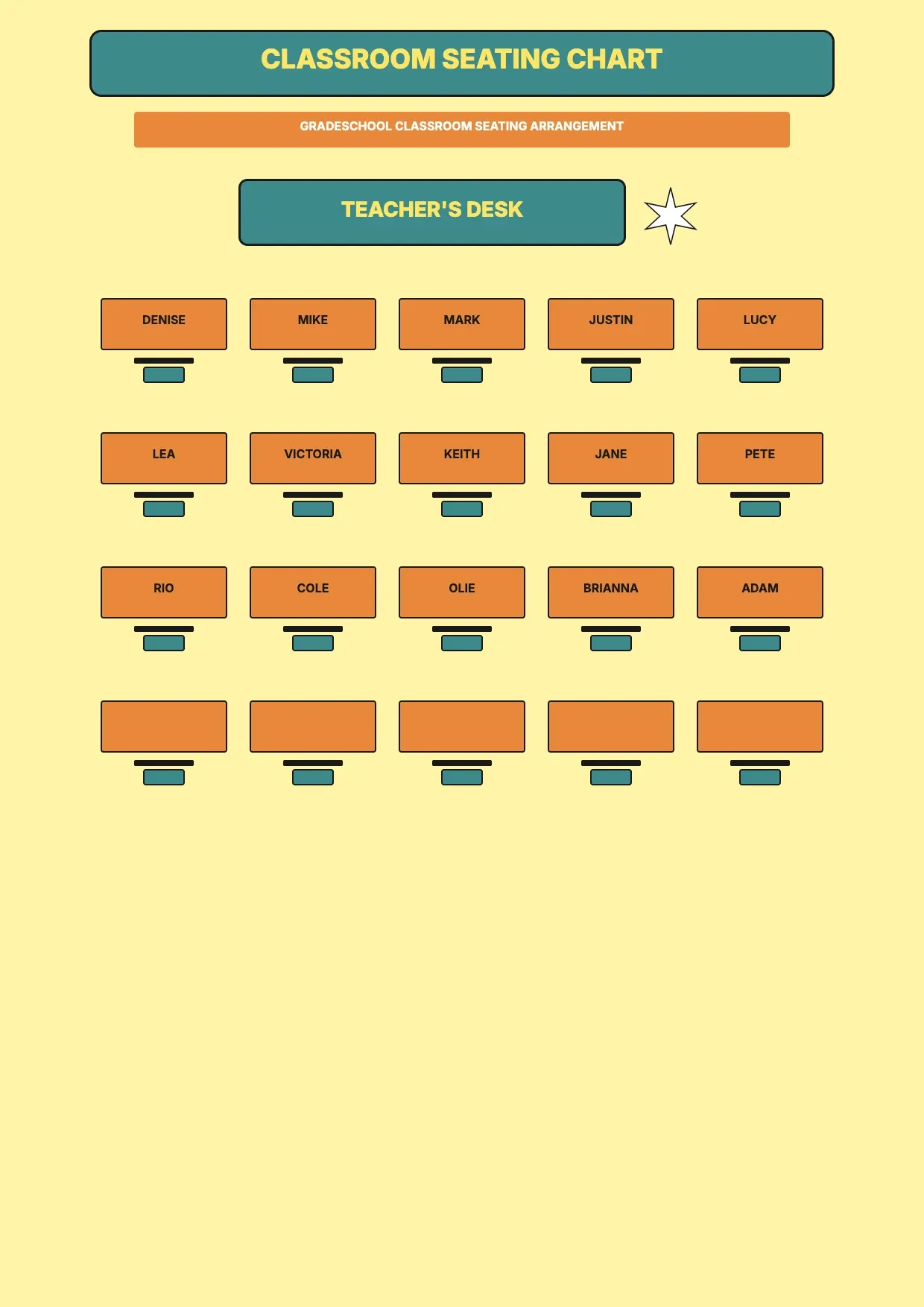
About Classroom Seating Chart Template
Teachers rearrange desks often, whether for new units, behavior plans, or group work. A classroom seating chart keeps track of where each student sits, so substitutes, aides, and administrators can find any name at a glance.
Our classroom seating chart template includes a labeled desk grid, a student name list, and space for notes on pairings or accommodations. Fill it in through the OnlyDoc editor and update it whenever your layout changes.
Frequently asked questions
What is a classroom seating chart template?
A classroom seating chart is a diagram that shows where each student sits in the room. The template turns that into a reusable format with the desk grid and labels already in place, which saves effort and keeps the layout consistent. You add student names and download the finished chart.
When should you use a classroom seating chart template?
Use it at the start of a term, after rearranging desks, or when planning group work. Whether you update it once a year or every month, the template fits both. You open it, adjust the names and layout, and download a clean, finished version whenever your class changes.
What should be included in a classroom seating chart template?
At minimum it covers a desk grid, student names, row or table labels, and space for notes on pairings or accommodations. Each part is laid out for you, so you focus on placing students rather than designing the layout, and the finished chart stays clear and easy to read.
Who can use a classroom seating chart template?
Teachers, substitutes, and school administrators benefit most from it. Whether you build one occasionally or for every new unit, the template saves time and keeps the layout consistent. Because it is easy to adapt, people with no design experience can produce a clear seating chart just as confidently as regular users.
How do you organize a classroom seating chart for group work?
Group desks into clusters and label each one, then place students according to skill level, behavior needs, or collaboration goals. Our template lets you rearrange the grid in the OnlyDoc editor, so you can test different groupings before settling on a layout that works for the lesson.
Should a classroom seating chart include accommodations?
Yes, noting accommodations like front-row seating or proximity to the door helps substitutes and aides support students correctly. Our template includes a notes section next to the desk grid, so you can record these details without cluttering the main layout or losing track of who needs what.
What formats can I download a classroom seating chart template in?
Once you have finished editing in the OnlyDoc editor, you can export your classroom seating chart as PDF, DOC, XLSX, PPTX, JPG, or PNG. That gives you a file to print, a version to share with substitutes, and an editable copy you can update as your class layout changes.