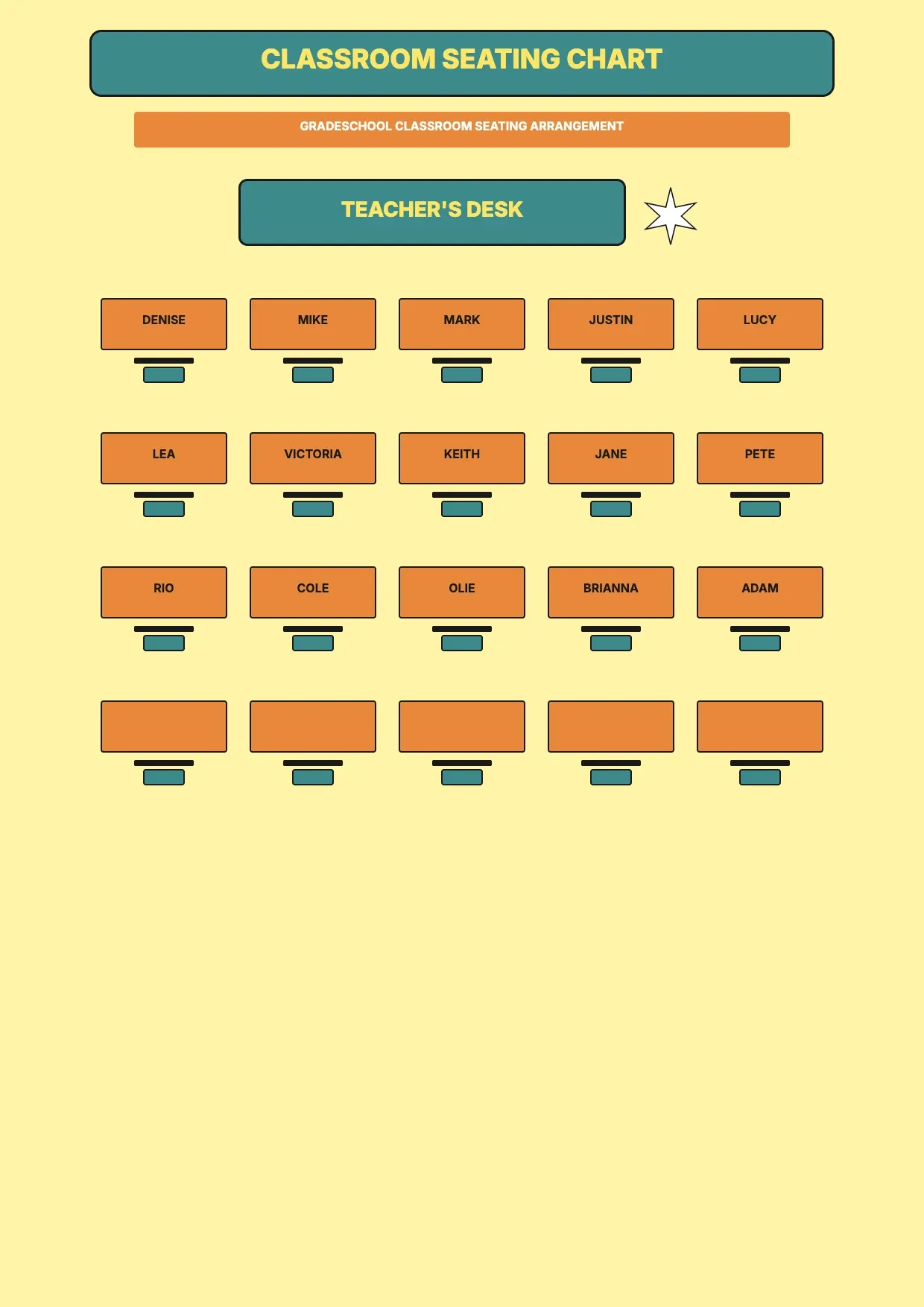
 Seating chart templates Classroom Seating Chart Template Use template
 Seating chart templates
Seating chart templates Classroom Seating Chart Template Use template 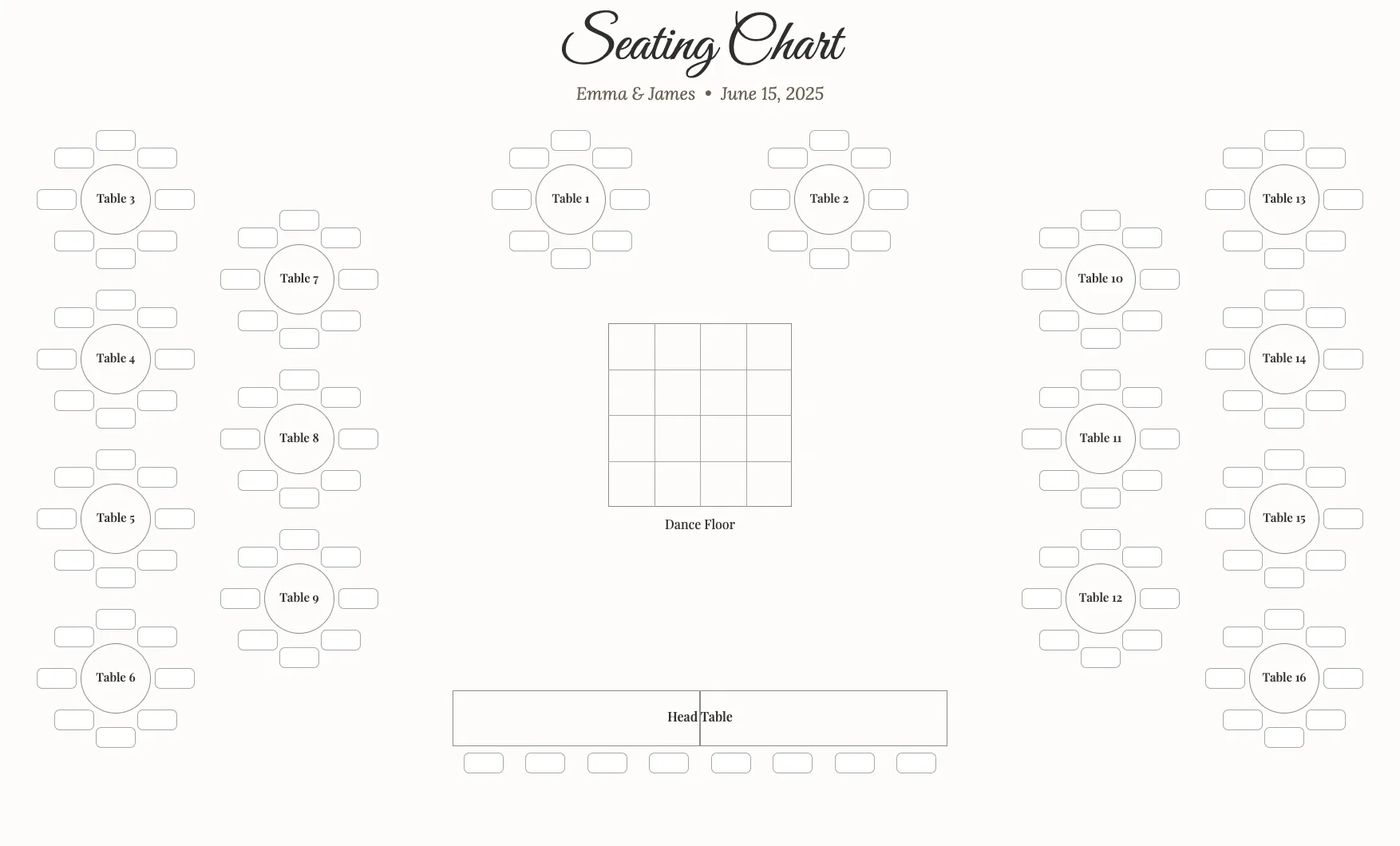 Seating chart templates Wedding Seating Chart Template Use template
 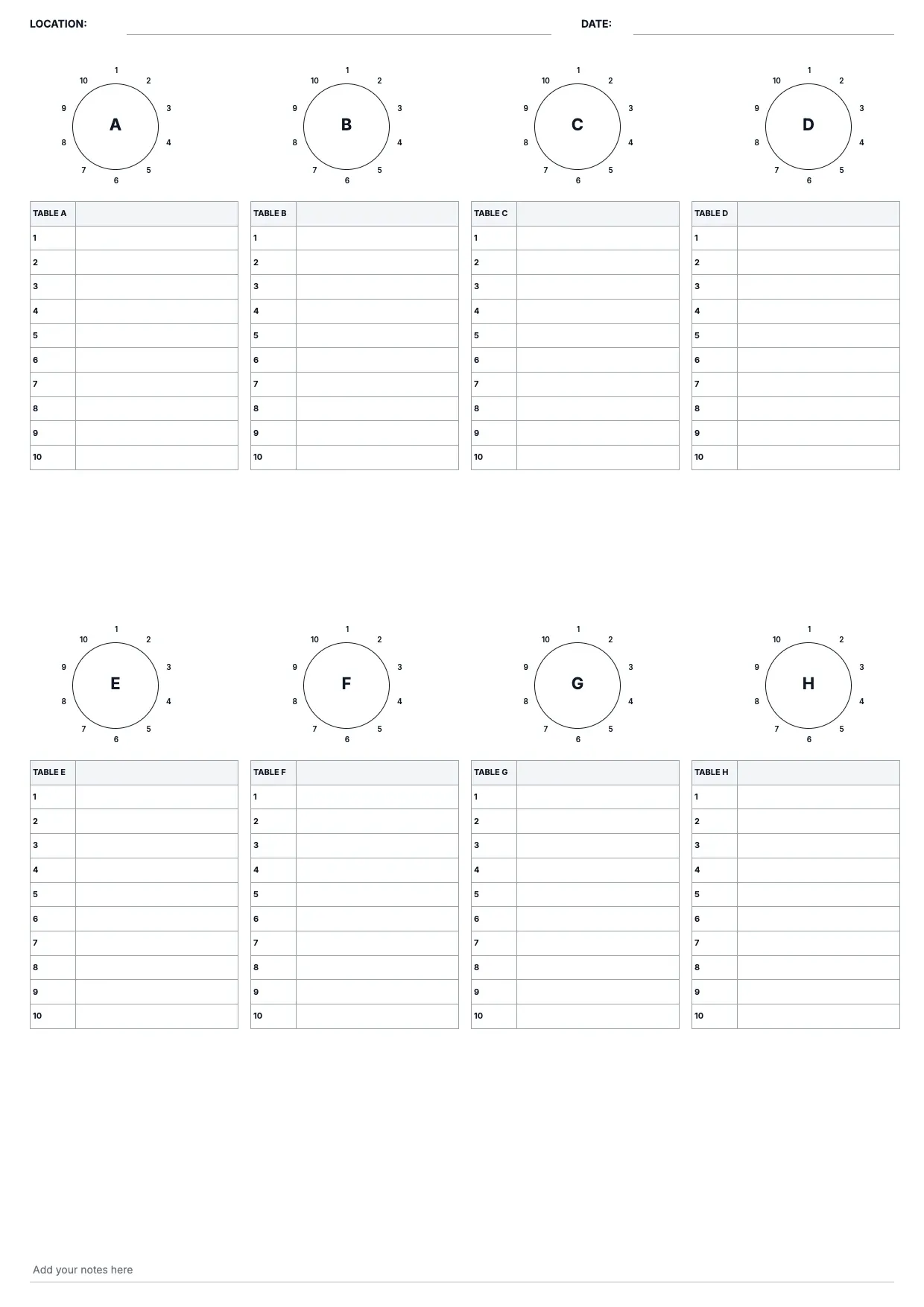 Seating chart templates Table Seating Chart Template Use template
 About Seating chart templates
Our seating chart templates help you organize guests, tables, and floor plans for a wedding reception, banquet, classroom, or any event with assigned seats. Each seating chart template lays out chairs and tables in a clear diagram, so you can place names quickly instead of sketching a layout from a blank page.
Whether you need a table seating chart template for a formal reception or a simpler layout for a classroom or meeting, this collection covers a range of venues and guest counts. You can import your guest list, arrange seating by table, and adjust the floor plan as replies and preferences change.
Open one of our free seating chart templates, customize the layout with your guest list, and export a printable PDF or spreadsheet for the day itself. Personalize colors and floral touches to match your event, then share the plan with vendors, planners, or venue staff so everyone works from the same chart.
Frequently asked questions
What is a seating chart?
A seating chart is a diagram that shows where each guest sits at an event, usually organized by table or row. It helps hosts plan arrangements ahead of time, avoid confusion at check-in, and manage guest relationships. A seating chart template gives you a ready layout, so you only need to add names and tables.
How do you make a seating chart?
Start with a floor plan of your venue, then add tables and chairs in a template that matches the room. Import your guest list, assign each guest to a table, and adjust as RSVPs come in. Using a seating chart maker or template speeds this up, since the layout and structure are already built.
How do you organize a seating chart?
Group guests by relationship, such as family, friends, or coworkers, and keep close connections at the same table. Consider venue flow, dietary needs, and any conflicts between guests. A table seating chart template helps you visualize these groups before finalizing, so you can rearrange guests without redrawing the whole layout.
How do I make my own seating chart?
Choose a seating chart template that fits your venue and guest count, then personalize it with your own colors, fonts, or floral details. Add tables, import your guest list, and drag names into place. Because the structure is ready, building your own chart becomes a matter of editing rather than starting from scratch.
Does Excel have a seating chart template?
Excel does not include a built-in seating chart template, but you can build one using its grid and cell formatting, or download a spreadsheet-based seating chart template designed for tables and guest lists. This approach keeps your layout organized and lets you sort or filter guests as your list changes.
What is the best free seating chart tool?
The best free seating chart tool depends on your event size and how much customization you want. A good seating chart app lets you import your guest list, arrange tables visually, and export a printable plan. Our free seating chart templates offer that flexibility without requiring seating chart software or a paid subscription.
How do I create a seating chart in Word?
In Word, you can build a seating chart using a table layout or insert shapes to represent tables and chairs, then label each with guest names. A downloadable seating chart template designed for Word saves time, since the diagram, tables, and text boxes are already arranged for you to customize.
What if I have a large guest list to seat?
For a bigger guest list, choose a seating chart template built for multiple tables, then import your list into the layout so you can sort guests by group. Expanding the floor plan and adding extra tables keeps the arrangement organized, even as the number of guests and tables grows.