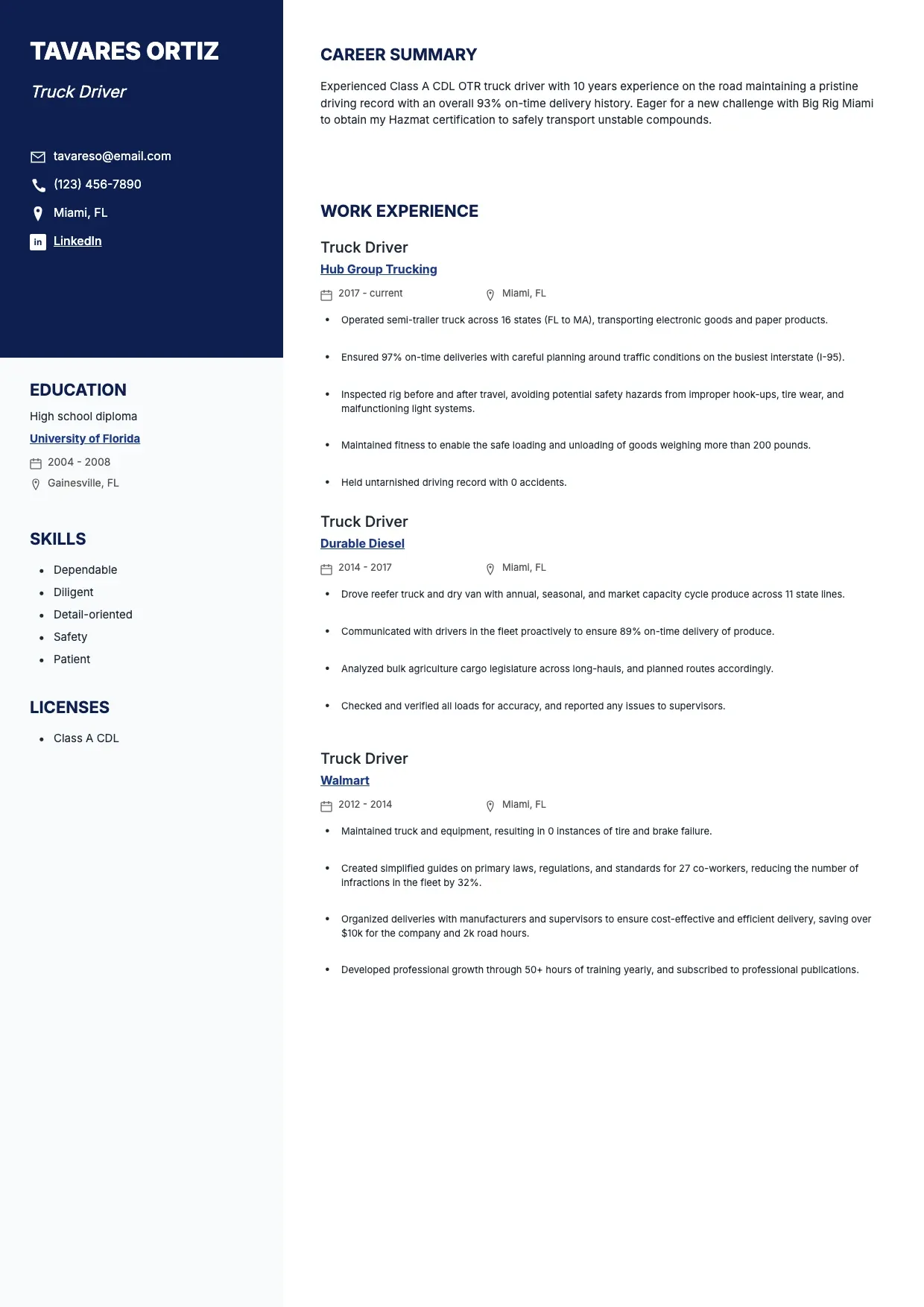
 Resume Templates Truck Driver Resume Template Use template
 Resume Templates
Resume Templates Truck Driver Resume Template Use template 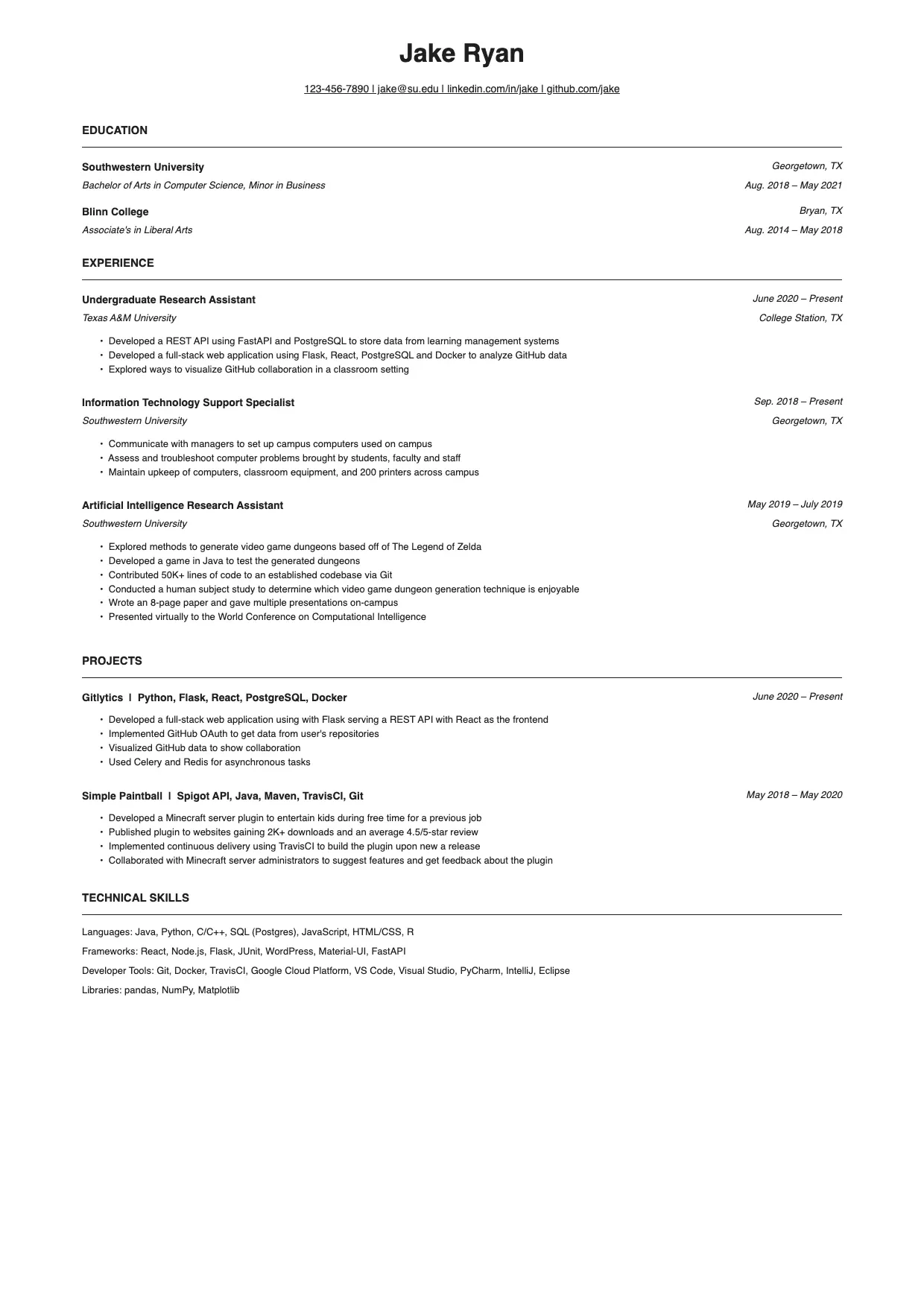 Resume Templates Jake's Resume Template Use template
 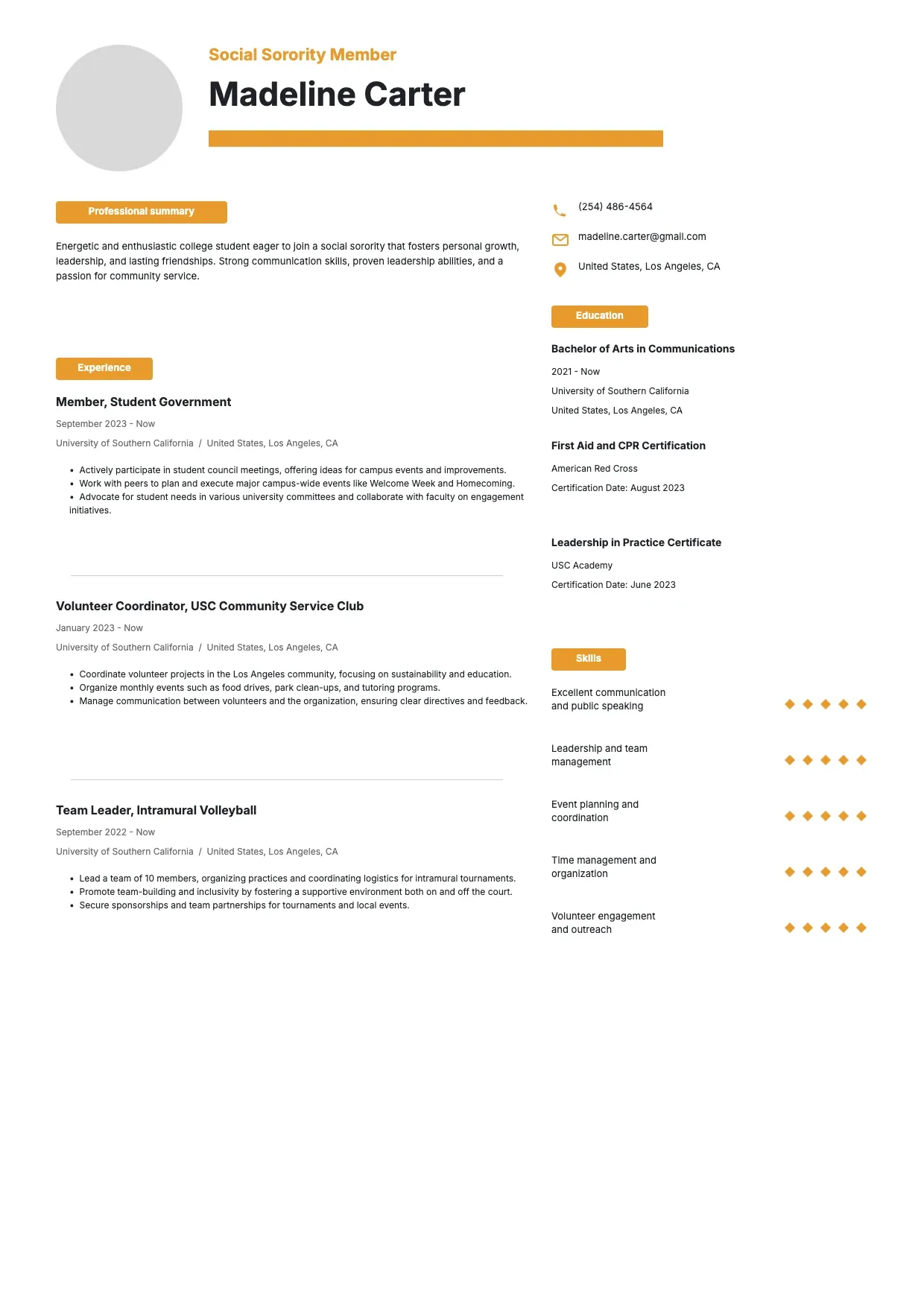 Resume Templates Sorority Resume Template Use template
 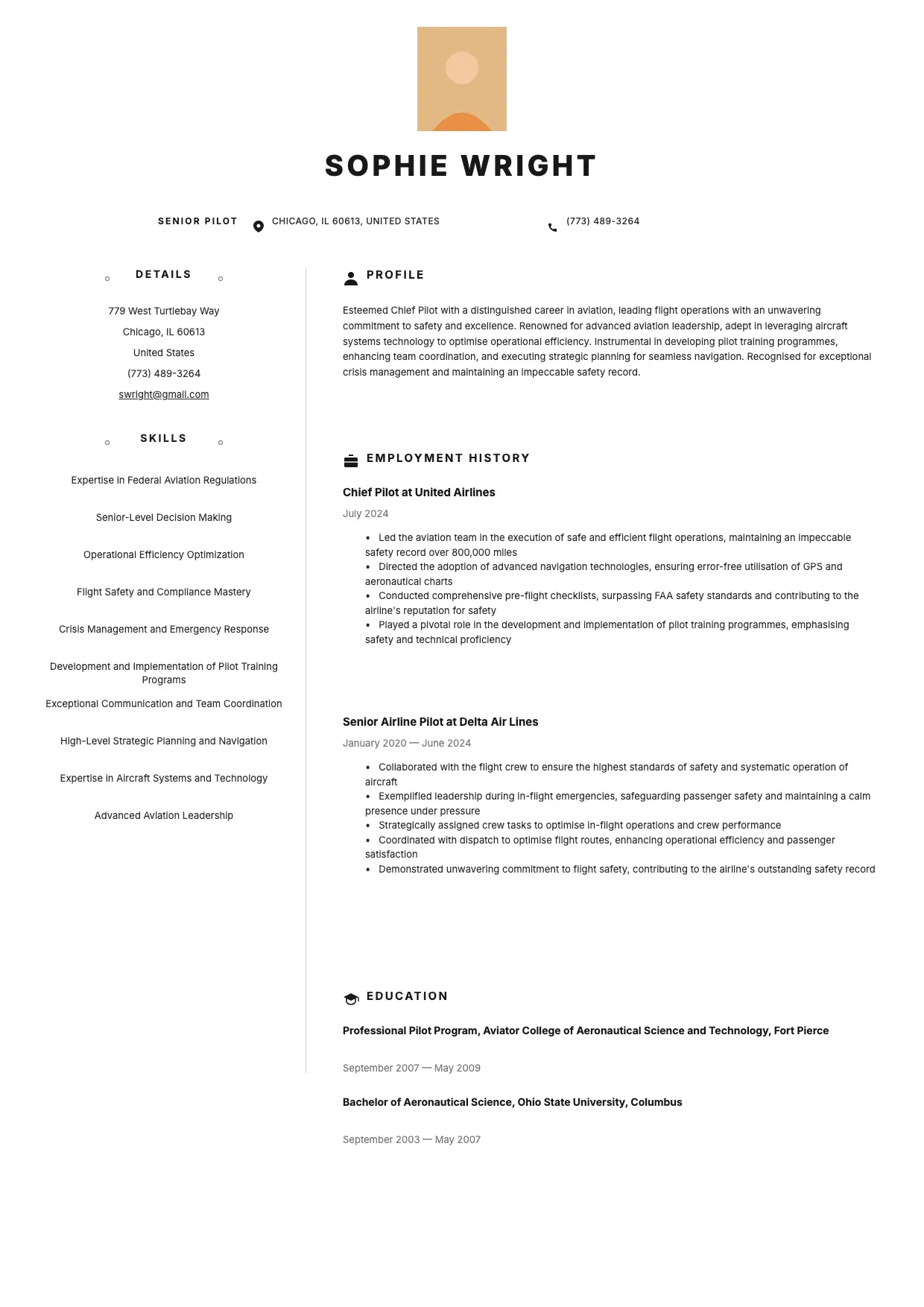 Resume Templates Pilot Resume Template Use template
 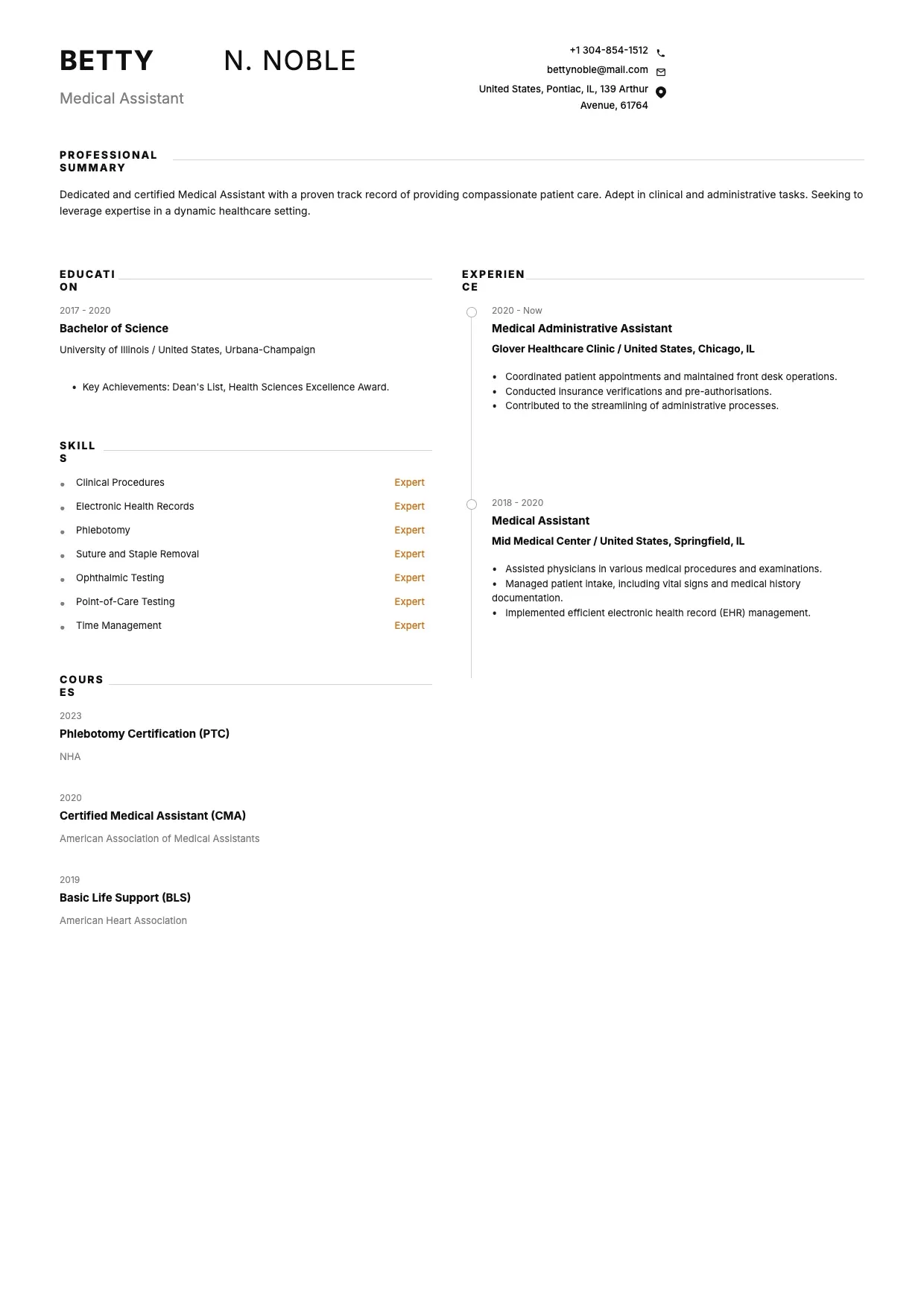 Resume Templates Medical Assistant Resume Template Use template
 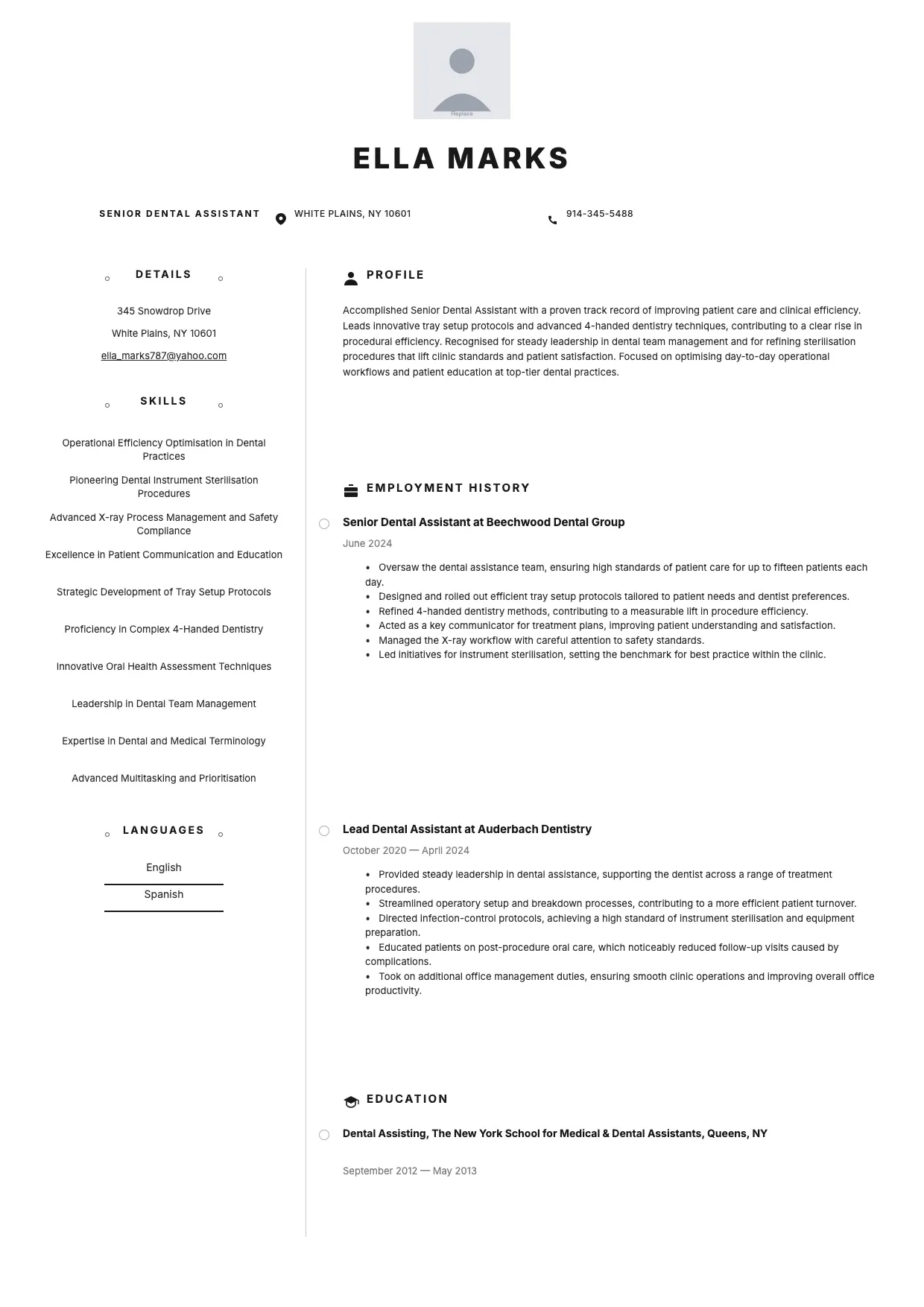 Resume Templates Dental Assistant Resume Template Use template
 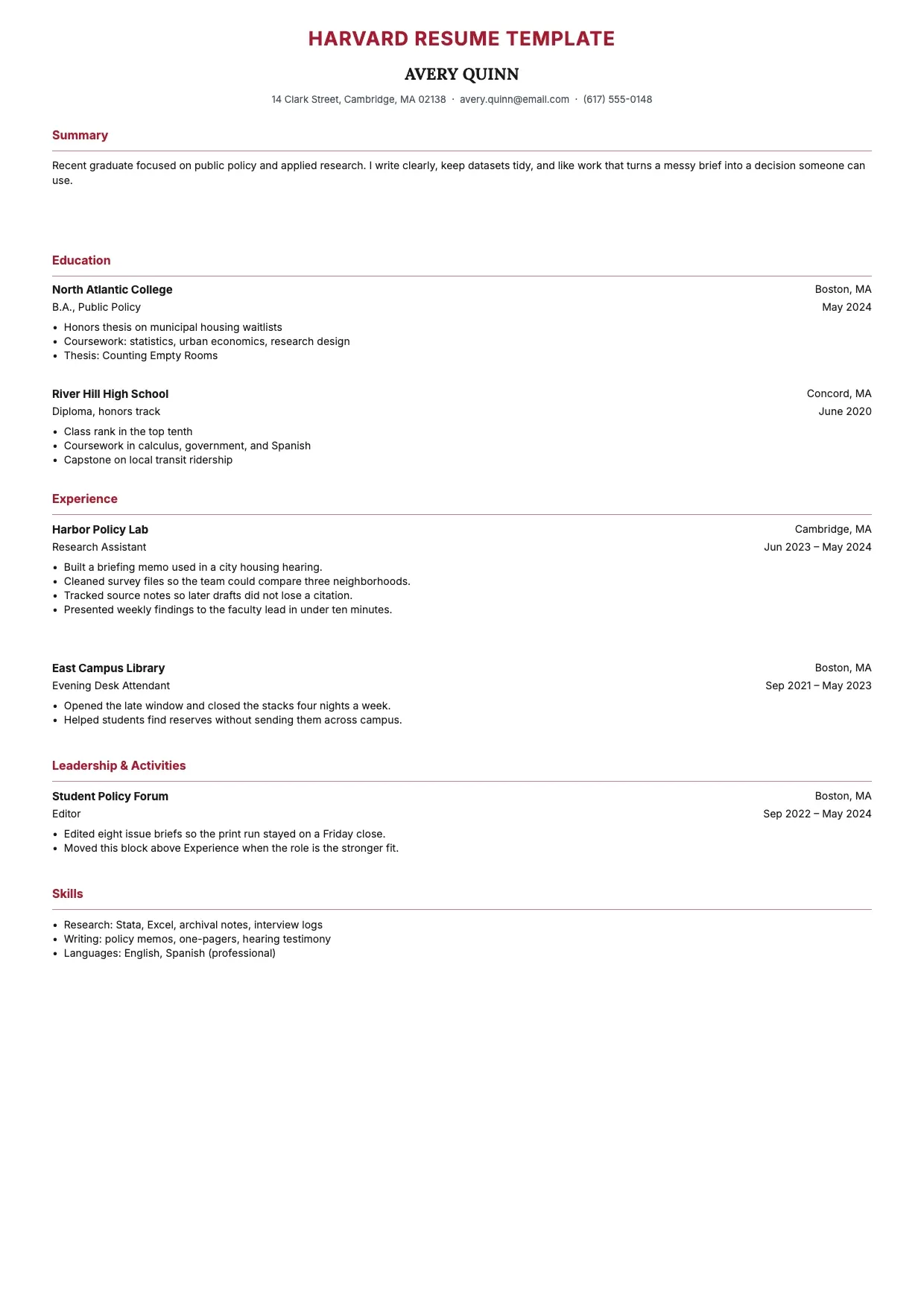 Resume Templates Harvard Resume Template Use template
 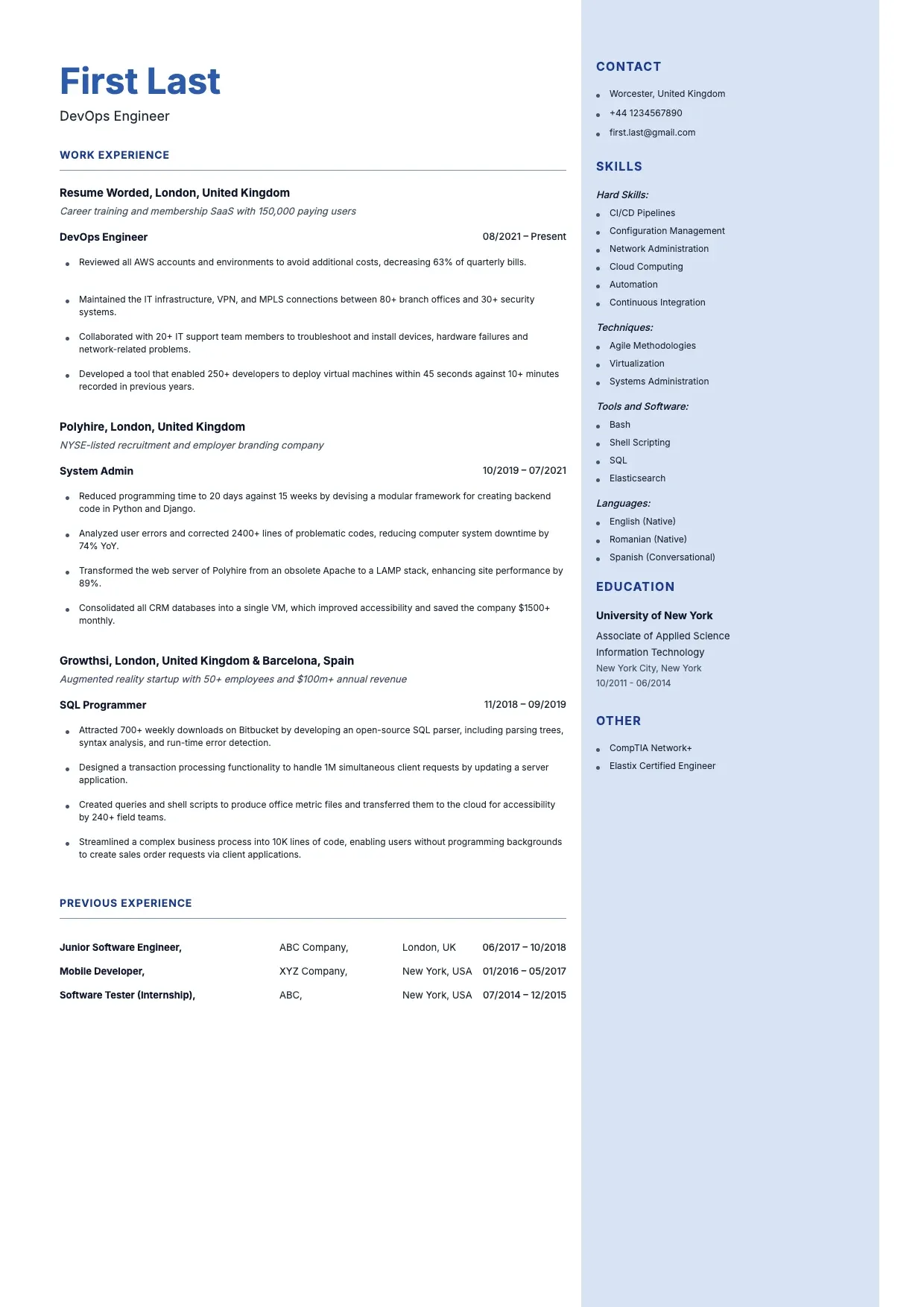 Resume Templates DevOps Engineer Resume Template Use template
 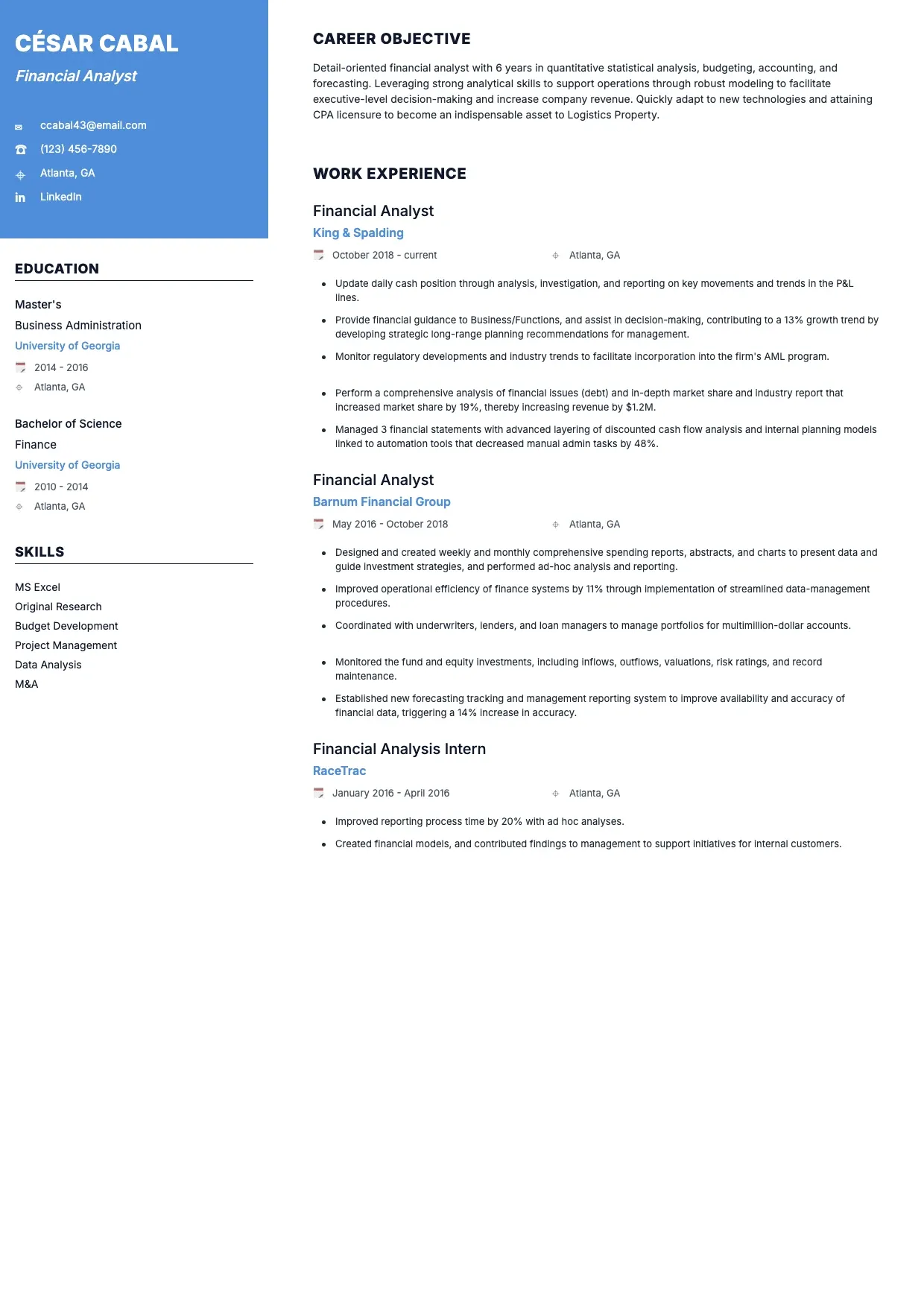 Resume Templates Financial Analyst Resume Template Use template
 About Resume Templates
Our resume templates give you a tested starting point instead of a blank page, with modern, creative, and classic designs for students, career changers, and seasoned professionals. Each layout keeps your experience, skills, and education easy to scan, so recruiters and hiring managers reach the important details fast. Because every CV template is fully editable, you control the fonts, colors, and order of every section.
The collection ranges from a professional resume template tuned for managers to entry-level designs that rank among the best resume templates for new graduates. You can adapt any layout to your industry, reorder achievements, and add keywords from a job posting so your application reads clearly for both people and applicant tracking systems.
Prefer to start at no cost? Open our free resume templates, personalize each section, and export an ATS-friendly PDF that keeps its formatting on any recruiter's screen. The structure handles the design, so you can focus on showcasing your qualifications and building a confident personal brand.
Frequently asked questions
Why should I use a resume template when creating my resume?
A template gives you a proven structure so you focus on content instead of formatting. It keeps spacing, headings, and sections consistent, which helps recruiters scan your background quickly. Starting from one of our resume templates also reduces small layout mistakes that can make an application look rushed.
Why should job seekers use resume templates when creating a resume?
Job seekers often apply to many roles at once, and our resume templates make it fast to tailor each version. You can swap keywords, reorder achievements, and match the tone of a posting in minutes. That consistency across applications helps you present a clear, professional image to every employer.
Can I customize the design and sections in a template?
Yes. Every CV template is fully editable, so you can change colors, fonts, and spacing, then add or remove sections such as projects, certifications, or volunteer work. You decide the order, which lets you highlight the experience most relevant to the specific job you want.
Do I need design or formatting skills to use a template?
No design background is needed. The layout, alignment, and typography are already balanced, so you only replace the sample text with your own. If you want a different look, simple controls let you adjust the style, which makes even the best resume templates easy for anyone to personalize.
Can I download my resume after editing a template?
Yes. Once your resume looks right, you can export it as a PDF that preserves the exact layout on any device. A PDF is the safest format to send to recruiters and applicant systems, because it keeps your fonts, margins, and spacing intact wherever the file is opened.
Are resume templates ATS-friendly?
Yes. Our resume templates use clean structures and standard headings that applicant tracking software can read. Keeping fonts simple and sections clearly labeled helps your qualifications reach hiring managers instead of getting lost. You can still add keywords from the job posting to strengthen how the system scores your application.
What is the difference between a CV and a resume?
A resume is a short, targeted summary of your skills and experience, usually one or two pages, while a CV is longer and details your full academic and professional history. Our templates suit both, so you can build a concise resume or an extended CV depending on the role and industry you are pursuing.
What key sections should a resume include?
A strong resume includes your contact details, a brief summary, work experience, skills, and education, plus optional sections such as certifications, leadership, or projects. Our resume templates label each section clearly, so you can showcase your personal brand and highlight the qualifications most relevant to the job you want.