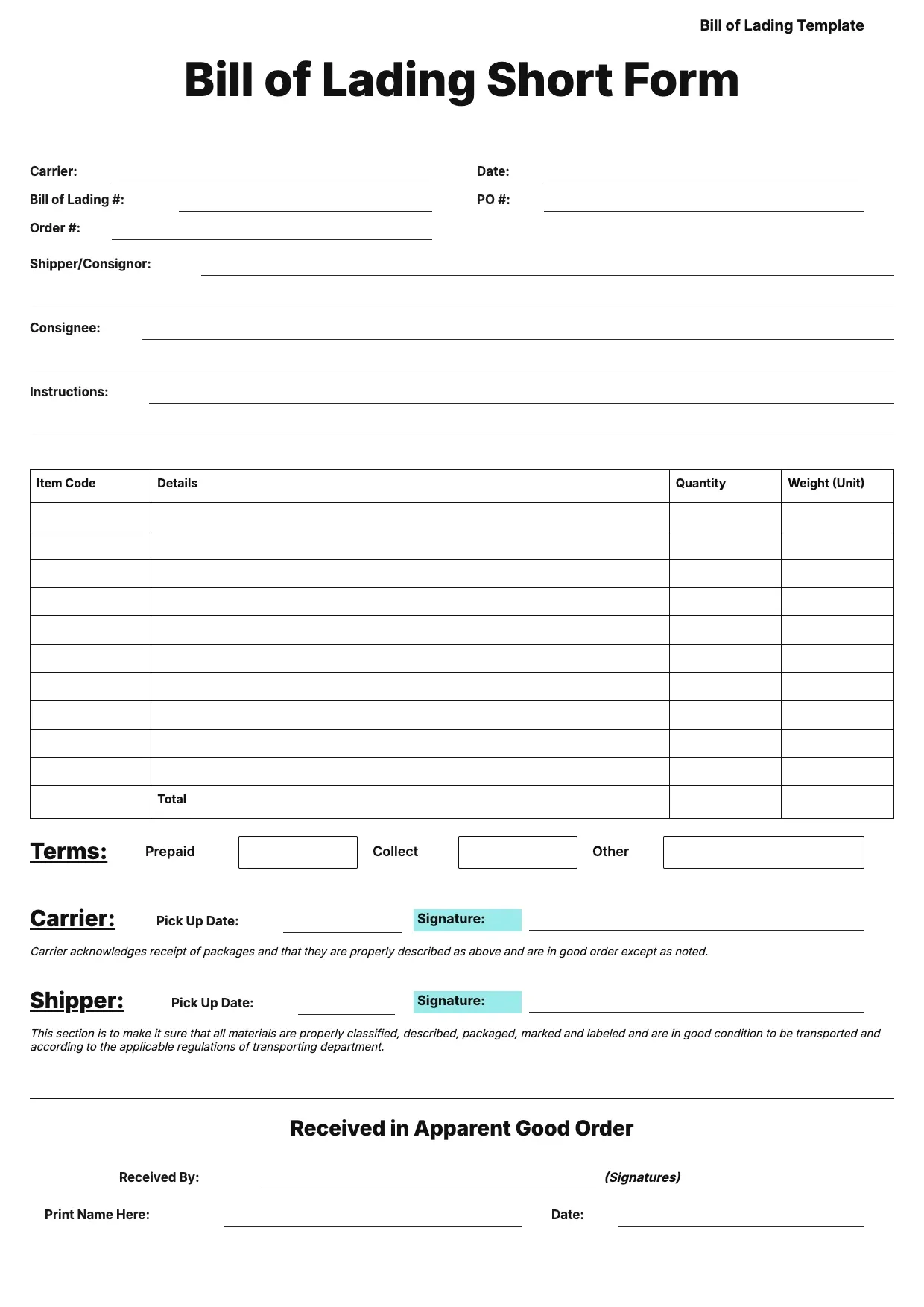
 Receipt Templates Bill of Lading Template Use template
 Receipt Templates
Receipt Templates Bill of Lading Template Use template 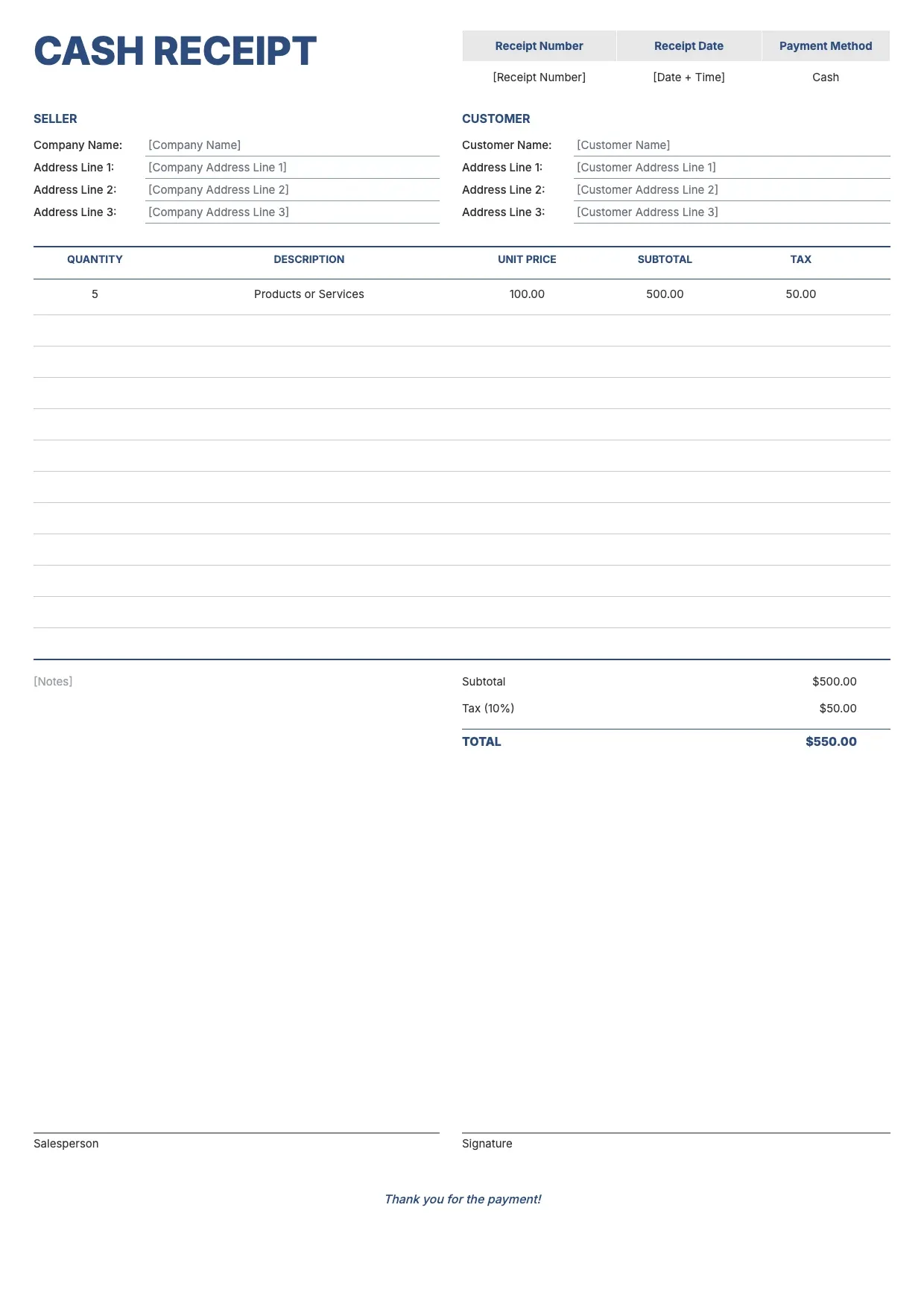 Receipt Templates Cash Receipt Template Use template
 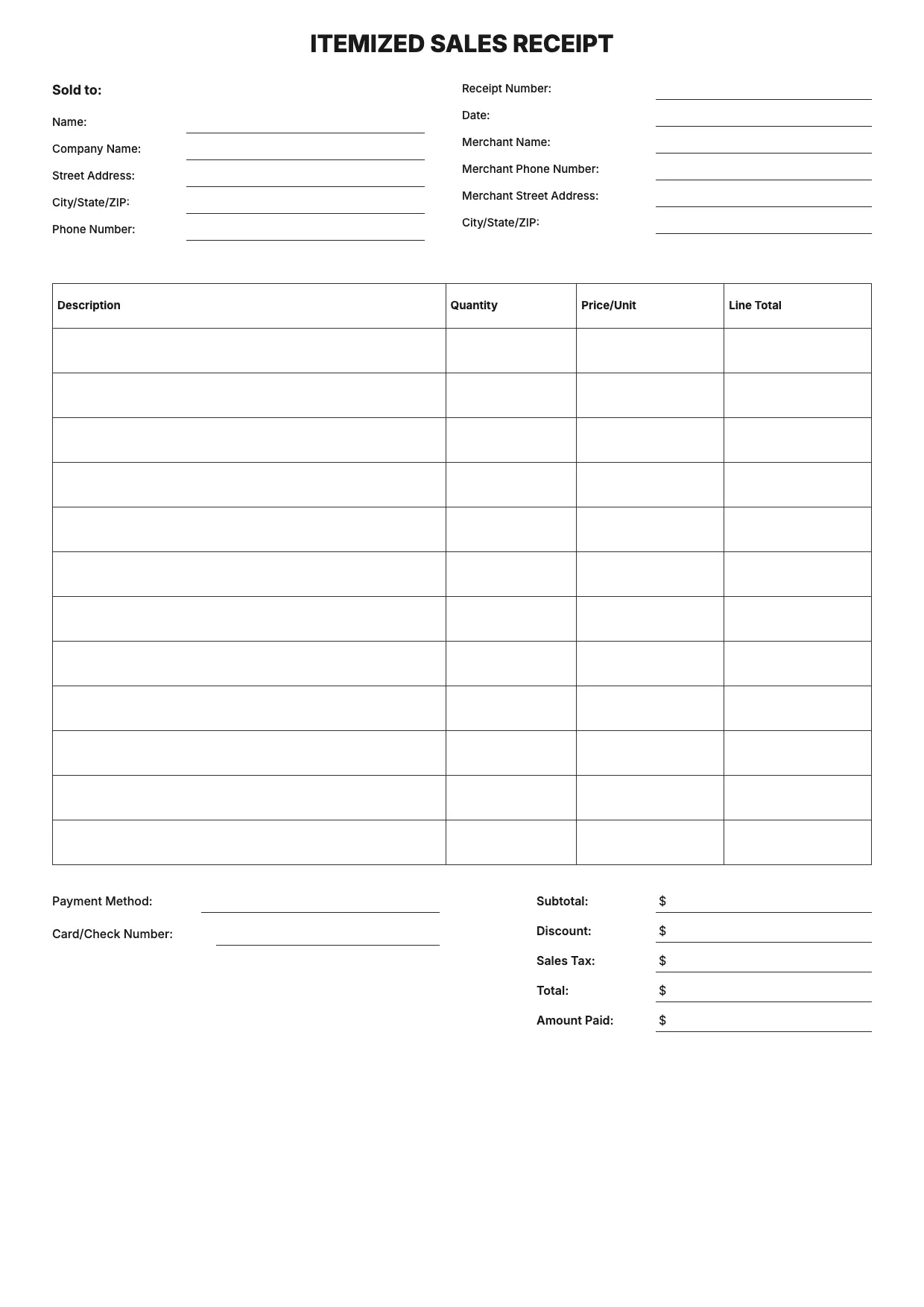 Receipt Templates Itemized Receipt Template Use template
 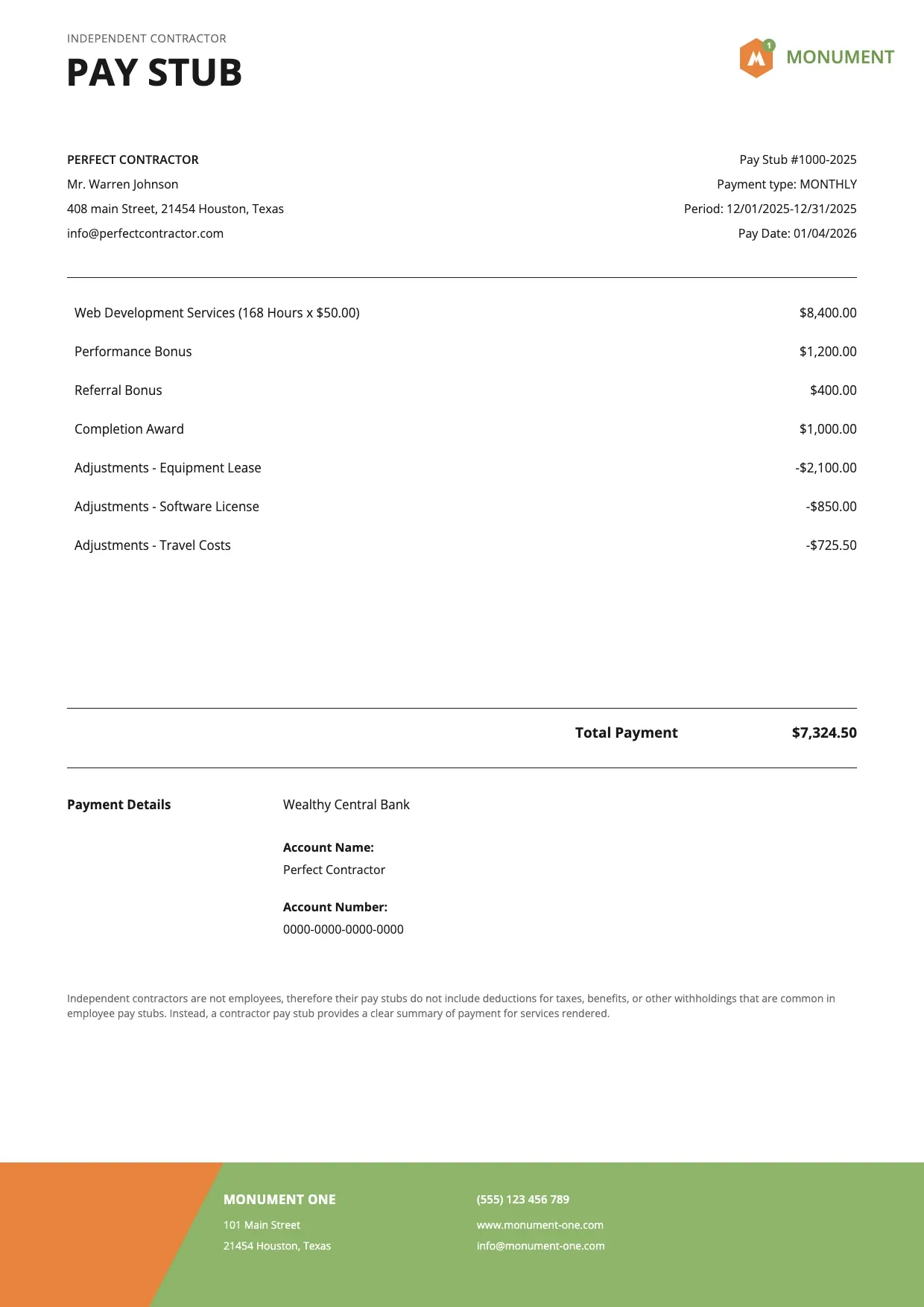 Receipt Templates Pay Stub Template Use template
 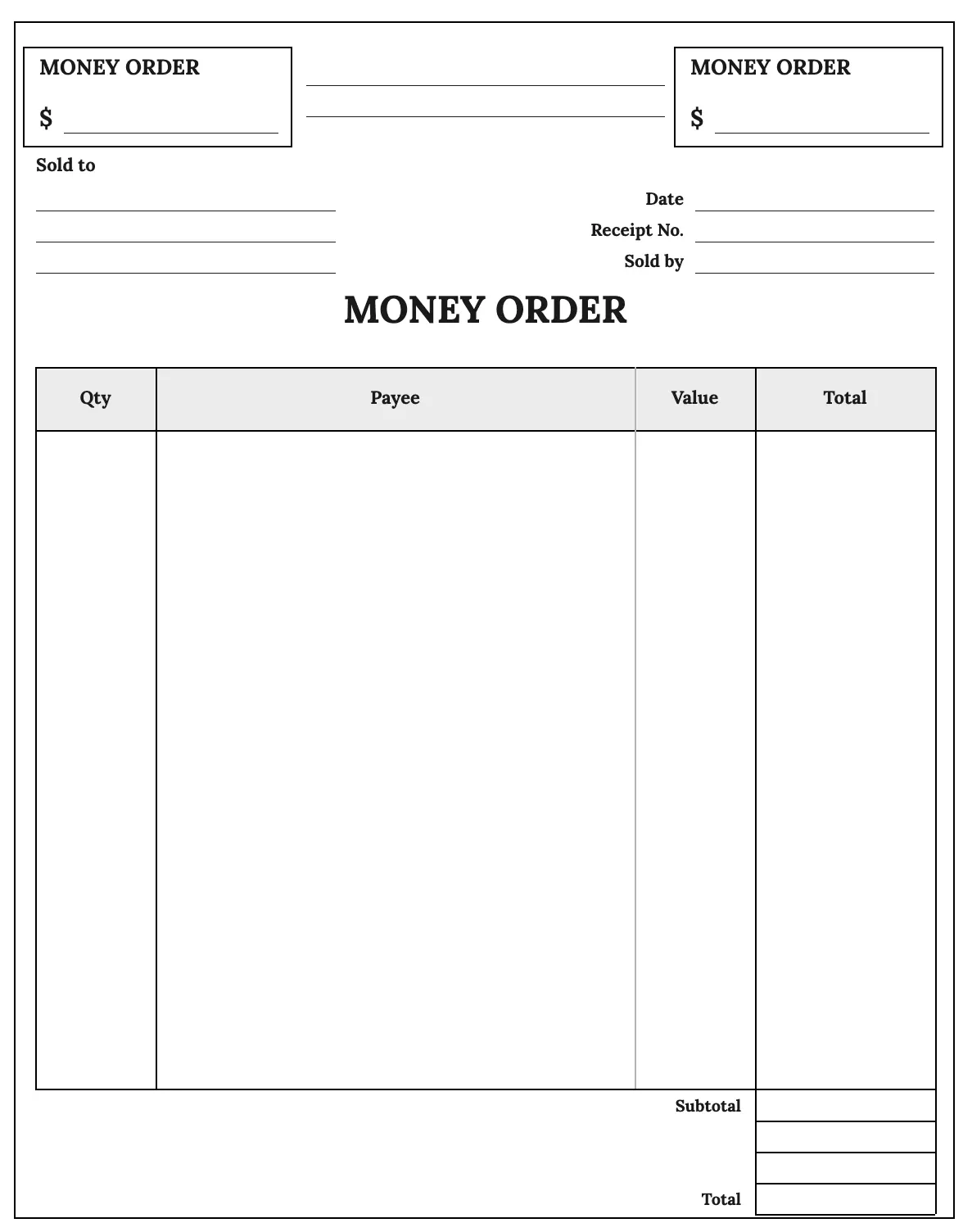 Receipt Templates Money Order Template Use template
 About Receipt Templates
Our receipt templates cover the everyday paperwork of getting paid: cash sales, rent payments, service work, deposits, and returns. Each receipt template lays out the business information, payment method, itemized goods or services, and total, so you can confirm a transaction without formatting a document from a blank page.
The collection ranges from a simple receipt template for quick cash sales to a more detailed layout for small business billing with discounts, taxes, and multiple line items. A blank receipt template works well when you need a flexible starting point, while formats built for retail, rentals, or services add fields suited to that kind of transaction.
Pick the layout closest to your needs, add your logo and brand colors, then fill in the payment details and total before exporting. Our free receipt templates are ready to edit in Word, Excel, or as a fillable PDF, so recording a payment stays quick and consistent every time you issue one.
Frequently asked questions
How can I create my own receipt?
Start from one of our receipt templates and add your business information, the date, a description of the goods or services, the payment method, and the total. Insert your logo for a branded look, then save or export the finished document as a PDF ready to print or send to the customer.
What is a receipt?
A receipt is a document that confirms a payment has been made, listing what was purchased, the amount paid, the date, and the payment method. It serves as proof of transaction for both the buyer and seller and is often kept for bookkeeping, returns, warranty claims, or tax records.
How do I fill out a receipt book?
Write the date, the payer's name, a description of the goods or services, the amount, and the payment method on each slip, then sign it. If your receipt book has carbon copies, keep one for your own records. A printed receipt template offers the same fields in a format you can edit digitally instead.
Is an invoice a receipt?
No. An invoice requests payment for goods or services before or after delivery, while a receipt confirms that payment has already been received. Many small businesses use an invoice template to bill a customer and a separate receipt template to document the completed payment once it arrives.
Are these receipt templates really free?
Yes. Every receipt template in this collection is completely free to download, customize, and reuse for as many receipts as you need, with no watermark added to your finished document. Choose the format that fits your workflow, whether that's PDF for printing, DOCX for text edits, or XLSX for calculations, and edit it freely.
Can I customize a receipt template with my logo and branding?
Yes. Every layout is editable, so you can add your logo, adjust brand colors, and change fonts to match your business. Update the business information, payment details, and total fields, then export the customized receipt template as a polished PDF for your records or your customer.
Can I use these receipt templates for my business?
Yes. The collection includes formats suited to small business billing, freelance work, rentals, and retail sales, so you can pick a layout that matches how you get paid. Add your branding and payment details, and reuse the same receipt template for every transaction you record.
How do I create a receipt template from a blank layout?
Open a blank receipt template and add the fields you need: business information, date, itemized goods or services, payment method, discount if applicable, and total. Arrange them in a clear order, add your logo, and save the layout so you can reuse it for future transactions.
How long should I keep a receipt for my records?
Keeping receipts for at least three years is a common practice for tax and bookkeeping purposes, though requirements vary by location and transaction type. Saving each receipt as an editable PDF from your receipt template makes it easy to store, search, and retrieve when needed.